As an Amazon Associate I earn from qualifying purchases. Purchases through our links may earn us a commission at no extra cost to you.
Choose the Tapo C120 fixing method from the mounting surface and cable route, not from the word “magnetic.” A shelf, a compatible metal surface, an adhesive-backed plate and a screw-fixed support solve different placement problems. Start with a temporary view check before making a permanent hole or committing the adhesive.
This guide uses TP-Link’s US C120 installation documentation checked October 2, 2026. Hardware revisions exist: use the matching guide and parts for the camera you receive. We have not measured holding force, adhesive life or wind resistance.
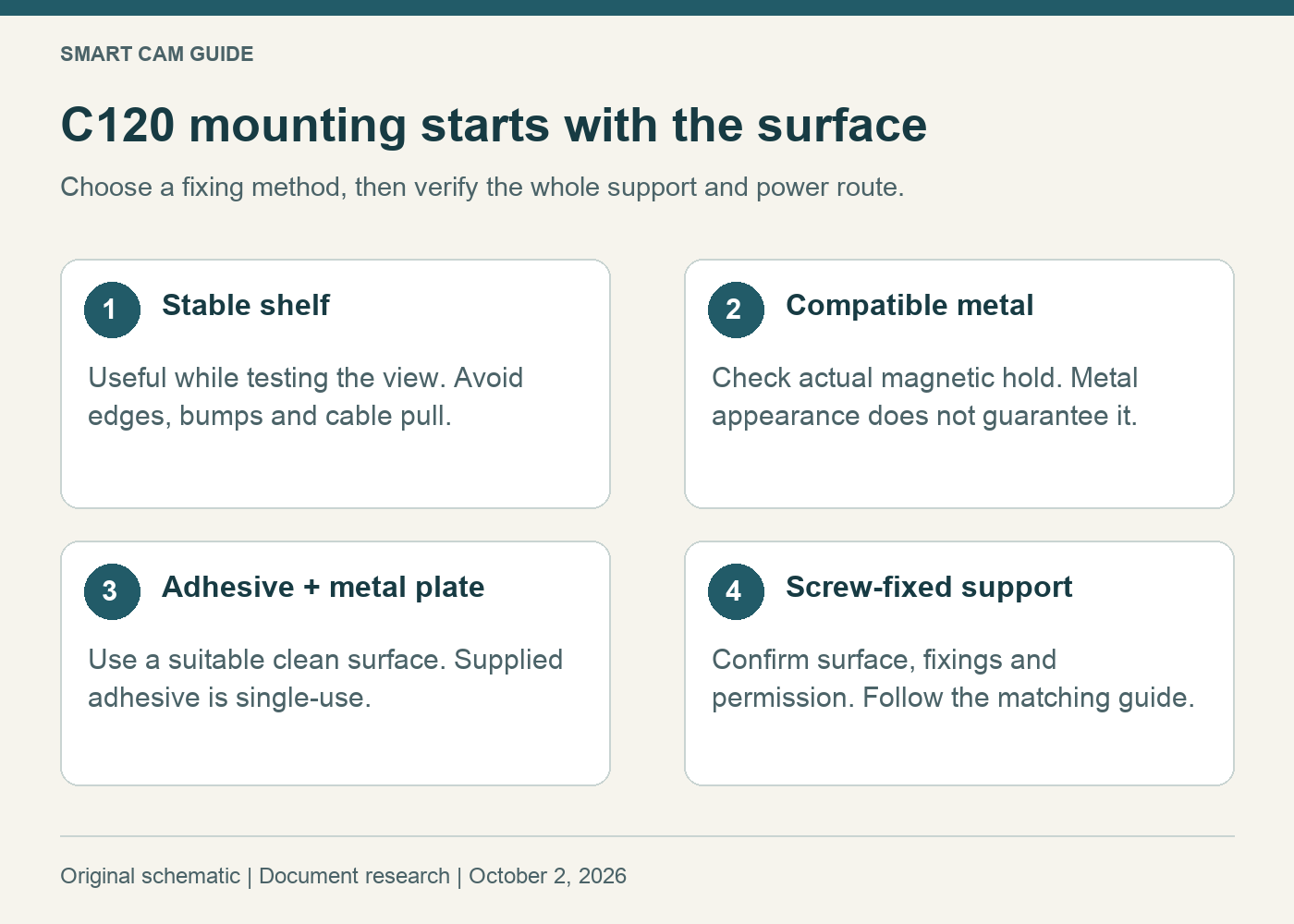
What the supplied mounting system offers
TP-Link describes shelf placement, direct attachment using the magnetic base, an adhesive-backed metal plate and screw mounting with or without that plate. Its adhesive instructions call for a clean suitable surface and treat the adhesive as single-use. The plate’s recessed-hole side should face the magnetic base.
The guide recommends magnetic installation no higher than 2 meters. It also requires a firmly seated power connector and shows supporting the power cord. The included adapter is for indoor use. Camera-body weather resistance does not approve exposing that adapter.
A surface-first decision table
On a narrow screen, scroll the table sideways if needed.
| Your situation | Starting option | Reason to stop and reconsider |
|---|---|---|
| A stable shelf gives the right view | Set the camera down and adjust its stand as the guide shows | The shelf is easily bumped, reached by a pet, or the cord pulls the camera toward an edge. |
| A suitable metal surface is already in the right place | Check whether the magnetic base holds there securely | The surface does not hold the magnet, flexes, moves, or forces a poor view. Metal appearance alone is not enough. |
| A clean hard surface; drilling is unsuitable | Assess the supplied adhesive-and-plate method | The finish is fragile, dusty or unsuitable for the adhesive, or removal damage would be unacceptable. |
| A fixed location where suitable fixings are permitted | Use the documented screw mounting method | The wall construction, hidden services or necessary fixings have not been established. |
The magnet-to-plate connection and plate-to-wall connection are two different parts of the support. A camera can hold firmly to a loose plate. Inspect the whole path rather than treating a strong magnetic feel as proof that the wall attachment is secure.
For renters, “no drill” still needs a decision
Before choosing adhesive, decide who owns the finish and whether adhesive mounting is permitted. Our conservative choice for an uncertain painted or delicate surface is to look for a usable shelf or another approved location first. Do not promise a landlord a damage-free removal that neither you nor the installation has demonstrated.
Use the manufacturer’s specified surface preparation and fixing method. If you need to move the camera later, reassess the mounting materials instead of assuming an already-used adhesive pad has its original hold. Keep children and pets away from loose cords, and avoid a position where a falling camera could strike somebody.
Plan the cord before fastening the camera
Mark the proposed location and trace the actual route to a suitable indoor power outlet. Include corners, furniture and the slack needed to aim the camera. A straight-line distance across the room is not the cable length you will actually use.
Check whether closing a door, moving a curtain or cleaning the shelf can tug that route. Relocating the camera may solve the problem more simply than adding accessories. Use compatible power parts and the guide for your hardware revision; a USB-shaped connector is not proof that an arbitrary extension is suitable.
Before permanent mounting, also confirm the camera connects reliably at that location. Our C120 network setup guide handles that separate issue. A secure bracket cannot fix an unsuitable network location.
Acceptance check after installation
- Check the camera, plate or fasteners and the surface as one assembly. Nothing should depend on the power cable to stay in place.
- Inspect the connector and cord support without pulling on the camera. Recheck after arranging the cable.
- Open the actual view and confirm the intended doorway or area is in frame. Look for nearby objects that could block it during normal use.
- Under your chosen recording setup, create a harmless agreed test event and play back the result. Repeat a view check after dark; our C120 night-lighting guide explains that decision.
These checks establish whether your own installation meets its immediate purpose. They do not certify a maximum load or predict how long an adhesive will last. Recheck the support if the camera shifts or the mounting surface changes.
Check the Tapo C120 white 1-pack on Amazon
The selected listing is C120, 2K+, white, one camera, ASIN B0CH45HPZT. Confirm supplied mounting and power parts for its hardware revision. Research basis: TP-Link US C120 user guide, installation and safety sections, reviewed October 2, 2026. No physical mounting or weather testing is claimed.