As an Amazon Associate I earn from qualifying purchases. Purchases through our links may earn us a commission at no extra cost to you.
On the Tapo C120, invisible infrared and color night vision solve different problems. The 940 nm option reduces the distraction of visible red infrared glow. The camera’s white spotlights provide illumination for color viewing in dark conditions. Switching off a system status light is a third, separate setting.
Choose based on the room and the evidence you need. A quiet, dark bedroom calls for a different lighting arrangement from a doorway where a brief visible light is acceptable. None of these settings proves that a useful clip was saved; recording and storage still need their own check.
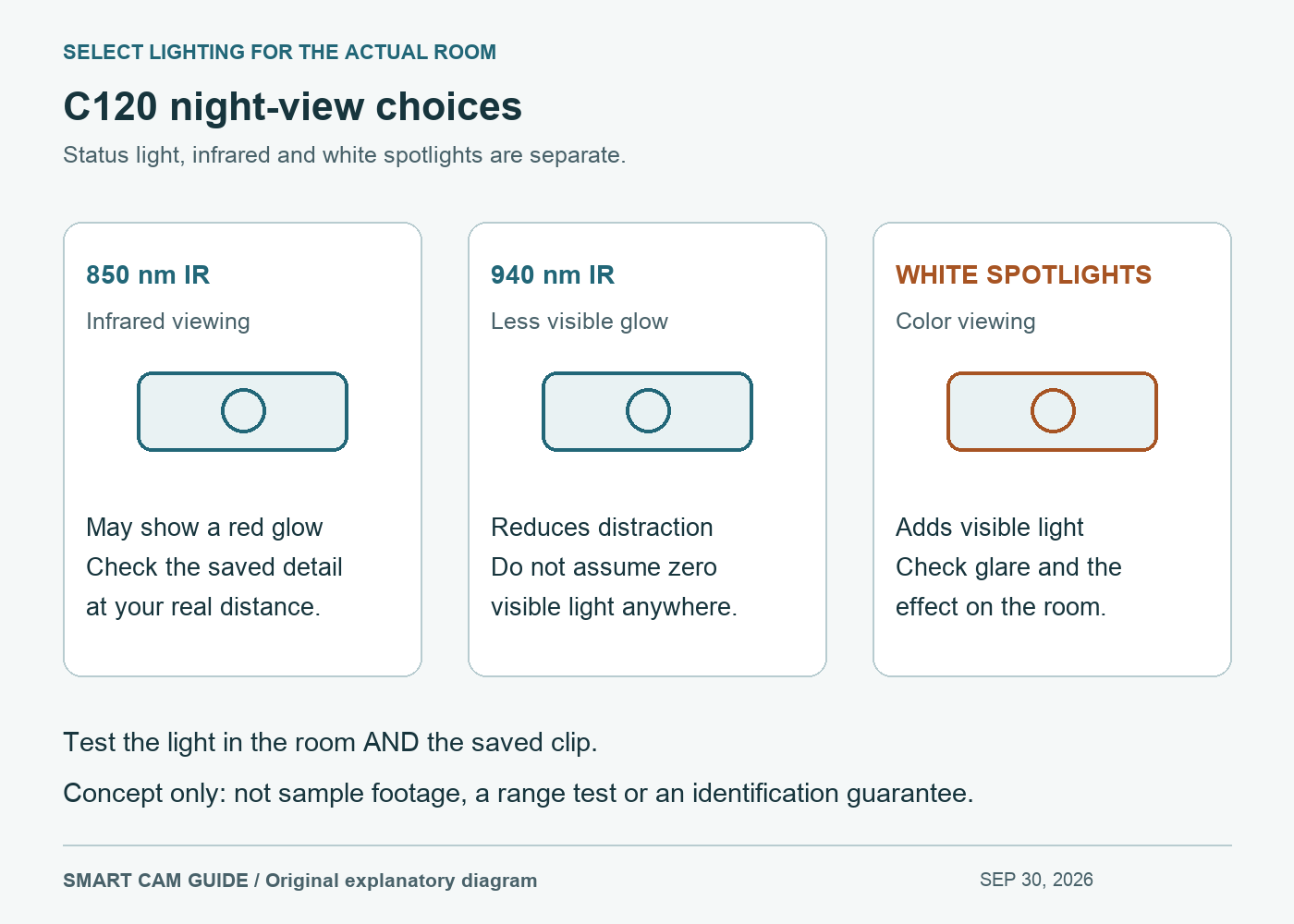
Three lighting choices, with different tradeoffs
| Choice | What it is for | What to verify in your scene |
|---|---|---|
| 850 nm infrared | Infrared night viewing with potentially visible red glow | Whether the glow and actual image are acceptable |
| 940 nm invisible infrared | Night viewing with less distracting infrared glow | Whether the needed detail is visible at the actual distance |
| White spotlights / color night viewing | Adding visible light to show color in a dark scene | Whether light activation disturbs the room or creates glare |
The US C120 specification lists both 850 nm and 940 nm IR options and dual spotlights. Its quoted night-vision reach is a specification, not our proof of identifying a person at that distance. The C120 user guide describes the 940 nm light as barely noticeable; “invisible” should not be read as a guarantee that nobody will notice any light from the device.
Infrared footage is not a reliable record of an object’s visible color. If identifying a jacket’s color is important, compare a saved color clip under the lighting you intend to use. If your main aim is checking movement without a white light coming on, try the infrared option first.
Check the controls in the right places
Open the intended camera’s Live View and settings. TP-Link’s current Tapo app guide separates Video & Display, night-mode options, Status LED, Spotlight Settings, Alarm, and Storage & Recording. These are different controls; changing one should not be assumed to change all the others.
The app guide uses several other cameras as examples. Do not copy a C225 “Near/Far” menu or a C320WS screenshot as proof of identical labels on a C120. Confirm the actual choices on your hardware and firmware. The US download center currently lists several C120 hardware revisions.
If a white light turns on unexpectedly, inspect both the night-view selection and any configured light alarm. Turning off Status LED concerns the system indicator; it is not a substitute for reviewing the camera’s illumination and alarm settings. Record the original settings before changing them so you can return to the known configuration.
A short night check that answers a useful question
Pick the detail that matters before comparing modes: recognizing an object, seeing someone cross a doorway, or checking the far side of a room. “Looks brighter” is too vague a success criterion.
- Use the intended location and ordinary nighttime lighting. Keep the camera powered and connected, and confirm the selected storage is working.
- Check the room with its lights off. Observe the camera directly as well as the app image: an acceptable picture may still come with unwanted visible illumination.
- With the people involved informed, make the same simple movement in the target area for each available mode. Keep the location and viewing angle fixed.
- Open the saved clips, not just Live View. Compare the detail you wanted, any glare, and the light’s effect on the room. Keep brief notes of the mode and conditions.
This is a proposed owner check. We have not performed it or ranked the modes by measured image quality. Do not treat a daytime setup preview as acceptance of nighttime performance.
If the image is white, washed out or strangely colored
TP-Link’s image-color troubleshooting guidance identifies nearby reflective objects, including tiles and glass, as a possible cause of infrared overexposure. Check the angle and location before declaring the sensor defective. An object close to the camera can reflect light back even when the distant subject looks dark.
For a camera behind a window, use the through-glass night-reflection guide. For a good live image but missing saved footage, follow the C120 alerts-without-recordings checklist. Buying a higher resolution camera does not automatically correct either problem.
When C120 belongs on the shortlist
The selected white 1-pack, ASIN B0CH45HPZT, suits someone who wants a small powered camera with a choice of infrared and spotlight-assisted color viewing. It uses wired power and Wi-Fi; it is not a battery or cellular camera. A microSD card is a separate purchase if you choose camera-side recording.
Check Tapo C120 2K+ white 1-pack on Amazon
Pause the purchase if you need guaranteed identification at a stated distance or cannot provide the intended power and network. For networking, see our C120 Wi-Fi and mesh setup guide. Choose the complete arrangement that works in your space rather than buying solely for the phrase “color night vision.”
Research scope: TP-Link US C120 product page, C120 V1 user guide, Tapo App User Guide 2026 and image-color FAQ 3892, plus the exact US offer, checked September 30, 2026. Hardware revision, firmware and app differences remain relevant; no night-footage or room test was performed by Smart Cam Guide.