As an Amazon Associate I earn from qualifying purchases. Purchases through our links may earn us a commission at no extra cost to you.
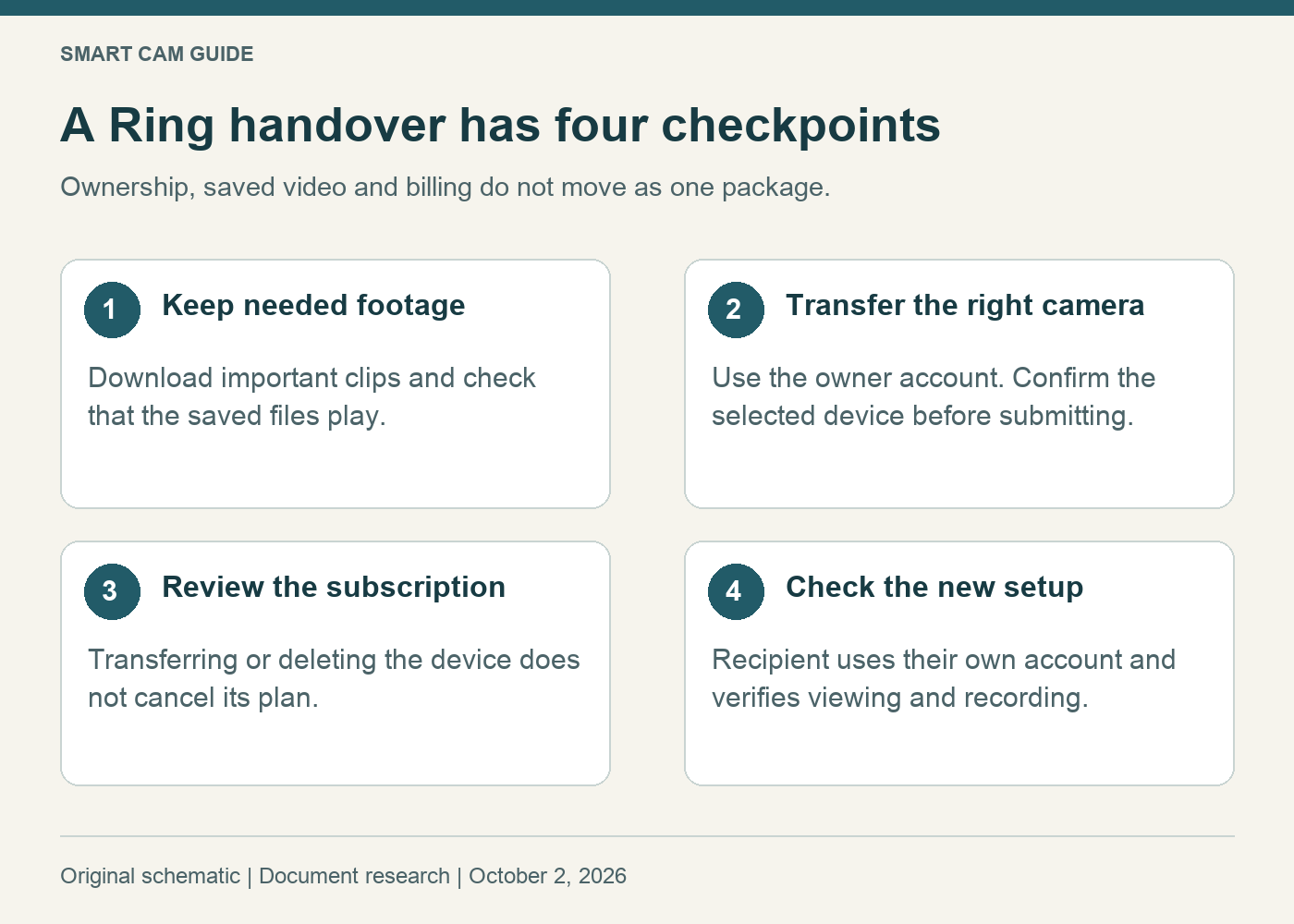
Before giving away or selling a Ring camera, save the footage you need, transfer the actual device in the Ring app, and review the subscription separately. Handing over the camera or sharing a login is not a complete handover. For a second household viewer who is not becoming the owner, use our Ring shared-user permissions guide instead.
This guide follows Ring’s US support instructions checked October 2, 2026. It is a document-based checklist; we have not performed a transfer on a physical camera.
Prepare a small handover record
Write down the camera model, its identifying label, the app’s device name and the location it belongs to. A name such as “Living Room” is easy to confuse when several locations have similarly named cameras. Make sure the person making the change controls the owner account rather than just an invitation to view.
Decide what evidence must be retained before touching the removal controls. Download the clips you need and open the saved copies outside the app. Record any subscription you intend to keep for other cameras. These are separate decisions, so complete the list even if the buyer is a family member.
Use the current transfer controls
In the Ring app menu, open Settings and use Transfer Ownership under Location Details. Create an outgoing request, select the intended camera, then continue. Supply the recipient email if known; it is optional. Check the selected device before confirming.
Look for a successful transfer message. Ring says the transferred device remains visible as deactivated until deleted; the old tile’s presence alone does not mean transfer failed. Uninstalling the app, removing the hardware or canceling a plan does not release ownership.
Pause if the list includes a camera you are keeping. A completed transfer cannot simply be canceled; restoring ownership requires setup again.
Deactivation, deletion and billing do different jobs
On a narrow screen, scroll the table sideways if needed.
| Decision | Consequence to check |
|---|---|
| Keep access to old clips | A deactivated device with the required Ring subscription retains history until those videos expire. Download anything you need to keep. |
| Delete the old device record | Deletion removes access to its Event History. It is not the same as making a local archive. |
| Let the recipient set up the camera | The new account does not receive the previous owner’s video history. |
| Stop paying for an unwanted plan | Transfer or deletion does not cancel the attached subscription. Review billing separately. |
For manual deactivation, Ring documents the device’s General Settings removal controls and an option to keep events. Read the current confirmation carefully before choosing between retaining access and deleting events. A shared user can remove their own access; that does not make them the owner who can release the device.
Buying a camera still registered to somebody else
Ask the seller to release it first. If they cannot be reached, begin camera setup in your own app and use Request Ownership when offered. Ring’s camera transfer process can take up to 15 days, and support cannot expedite it. That is a waiting process, not a guarantee of immediate use.
For a secondhand purchase, keep the seller’s description and return terms. If you need a working camera for a specific upcoming date, an unresolved account handover is a real constraint. Do not pay extra for a claimed password-based shortcut or accept somebody else’s account credentials as the solution.
Finish with two separate confirmations
- Former owner: check that the intended camera was transferred, the necessary video copies play, and the billing decision is documented.
- New owner: complete setup in your own account and verify the intended view and recording arrangement. Do not assume the former owner’s service package follows the hardware.
A purchase is not needed to transfer a camera you already have. If a fresh unit better suits your deadline, the link below selects the white, single-camera Ring Indoor Cam 1080p version, ASIN B0B6GLQJMV. It is not a 2K, Pan-Tilt or multi-camera bundle. Compare the saved-video service cost as well as the hardware price.
View Ring Indoor Cam 1080p on Amazon
Research basis: Ring “Transfer ownership of a Ring device” and “Deactivating or deleting a Ring doorbell, camera, or smart light,” English (US), reviewed October 2, 2026. App wording and supported transfer paths may change; check the confirmation for your exact device.