Tapo C120 is the stronger starting point if you want local recording plus person, pet and vehicle detection without a monthly detection fee. Wyze Cam v4 is worth considering if you already prefer the Wyze app and are comfortable with its paid smart-detection features. Both need wired power, and neither camera’s outdoor rating makes the included power adapter weatherproof.
As an Amazon Associate I earn from qualifying purchases.
This US buying comparison is based on manufacturer documentation and selected retail offers checked September 25, 2026, not a hands-on image-quality test. We distinguish the fixed Wyze Cam v4 from Wyze Cam Pan v4. Tapo sells multiple C120 hardware revisions; check the revision supplied and use its matching manual.
Start with the recording system you want
- Local recording and useful free detection: shortlist C120, then budget for a compatible high-endurance card and a suitable power route.
- Another camera in an existing Wyze setup: v4 may be convenient, especially if an existing plan actually covers the added camera. Check coverage rather than assuming it.
- A battery-powered installation: neither is the right purchase. Both are plug-in cameras, even though the connection to your network is wireless.
- Footage that survives camera theft: a card inside either camera is insufficient by itself. Decide whether you need a separate recording destination or cloud service.
Check Wyze Cam v4, white 1-pack
These links were checked as single-camera US listings. Memory cards are separate purchases. Confirm the color, pack size, included power accessories and seller at checkout; a bundled card or outdoor adapter can change the comparison.
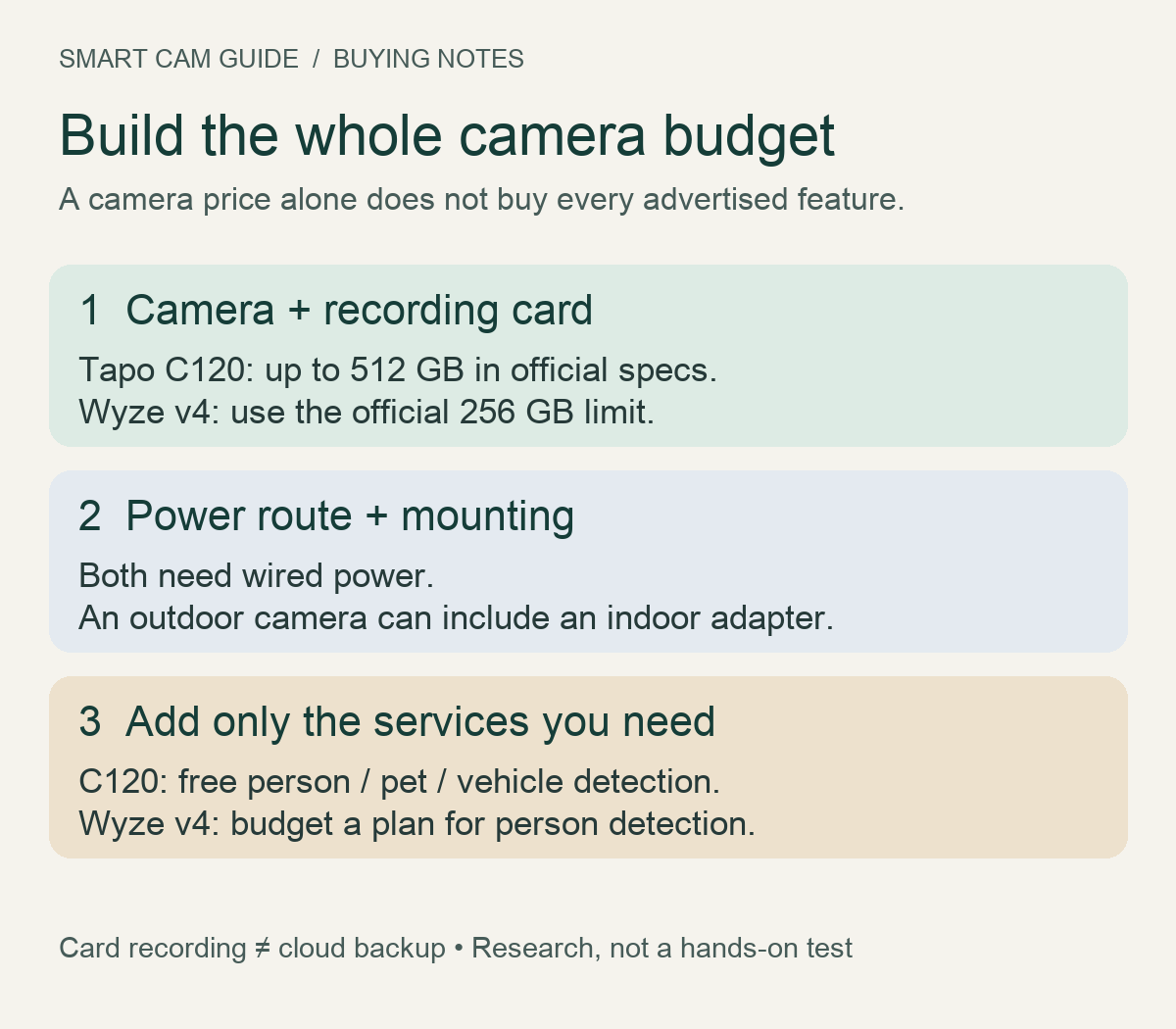
Compare the features that affect ownership cost
| Requirement | Tapo C120 | Wyze Cam v4 |
|---|---|---|
| Recorded resolution | 2560 × 1440, marketed as 2K QHD / 2K+ | 2560 × 1440, marketed as 2.5K |
| On-camera microSD | Up to 512 GB in official C120 specifications | Up to 256 GB in the official v4 support table |
| Local recording subscription | Not required | Not required |
| Person / pet / vehicle detection | Listed as free | Plan-dependent smart detection; v4 person detection is not a free entitlement |
| Power connector | USB-C | Micro USB |
| Camera weather rating | IP66 | IP65 |
| Cloud recording | Optional Tapo Care | Optional compatible Wyze plan |
The resolution labels do not decide the winner. These two specifications describe the same pixel dimensions. Lens coverage, exposure, lighting, compression and motion affect usable detail. We have not tested them side by side, so we do not award either a night-vision or identification-distance win.
Local recording is useful; understand where the footage lives
A microSD card lets either camera save footage without buying cloud recording. Set up the camera, initialize the card in its app, choose the recording schedule and verify playback. Installing a card without checking recording settings is not a completed setup.
Wyze capacity conflict: the selected Amazon v4 listing advertised 512 GB when we checked. Wyze’s June 12, 2026 model-by-model support page and v4 technical specifications list 256 GB for Cam v4; 512 GB is listed for Cam Pan v4. We would buy within the 256 GB v4 limit unless Wyze confirms a higher supported capacity for the exact unit and firmware. Do not transfer a Pan model’s specification to the fixed camera.
For C120, 512 GB is a maximum supported capacity, not a requirement to buy the largest card. A smaller compatible card may suit a short retention target. Our high-endurance microSD guide explains the recording workload and why capacity alone is not a durability measure.
A local card can disappear with the camera. If that matters, our C120 NAS, RTSP and ONVIF guide explains a separate recording path and its setup costs. A NAS is not included with C120, and we would not buy one solely because a camera advertises a protocol unless we needed the wider system.
Which features remain after the trial?
C120’s listed free person, pet and vehicle detection makes it appealing for a driveway or pet area where ordinary motion alerts may be too broad. Tapo Care adds cloud services; free detection does not mean free off-device video history or every rich-notification feature.
Wyze’s own explanation of Edge AI says Cam v4 person detection and Fast Notifications require a paid subscription. Processing on the camera does not itself make a feature free. Without a plan, do not equate a thumbnail in the Events tab with a stored cloud video clip; microSD playback is a separate recording path. See the Wyze v4 no-subscription guide for the practical distinction.
Before comparing recurring costs, list the exact features you want and the number of cameras covered. Use the plan’s annual checkout total, including any applicable tax, rather than multiplying a promotional first-month offer. A free trial is a chance to test the service, not evidence of its long-term price.
Outdoor placement: cost the power route before the camera
The US C120 V1.6 user guide specifies indoor use for its power adapter. Wyze describes the v4 box adapter as indoor-only and sells compatible outdoor power options separately. Check the manual for the hardware you receive and keep all connections within the specified conditions. IP66 or IP65 on the camera body does not approve an exposed indoor adapter.
Measure the actual cable route, including corners and a drip loop where appropriate, before ordering. Do not assume a USB connector alone proves a third-party cable or adapter is compatible. If your proposed spot has no suitable power route, moving the camera may be a better decision than accumulating extensions. Our Wyze v4 outdoor power guide covers the installation checks.
A complete first-year quote
Use this worksheet for each camera. Write in current checkout totals; we avoid a static camera price because retail offers and bundle contents change.
| Cost line | What to include |
|---|---|
| Camera | The selected pack, tax and shipping |
| Local media | Compatible high-endurance microSD, unless explicitly included |
| Installation | Approved power accessories, mounting and any professional installation needed |
| Service | Zero required cloud fees for card recording; add the chosen annual cloud/detection plan if needed |
| Ownership | Electricity and a reserve for eventual card replacement; no fixed lifespan assumed |
First-year total = camera + media + installation + chosen services + operating costs. For a two-camera purchase, count two recording cards and two power routes; check whether the plan is per-camera or covers both. At renewal, remove the one-time hardware from the comparison but use the then-current service price.
Our conditional recommendation
Pick C120 if free classification alerts and a card-based setup meet your needs. Its tradeoffs are wired power, footage stored on the camera unless you add another destination, and the need to check the supplied hardware revision.
Pick Wyze v4 if its app and your existing Wyze setup reduce friction enough to justify the complete cost. Its tradeoffs include paid person detection, the conservative 256 GB card limit and potentially extra outdoor-power hardware.
For an unreliable internet connection, read the C120 internet-outage guide before choosing. Local recording, remote viewing and phone alerts are different functions; card support does not make every function available offline.
View the selected Tapo C120 offer on Amazon
View the selected Wyze Cam v4 offer on Amazon
Research notes
Sources checked: TP-Link’s US C120 V1 product specifications and US V1.6 user guide; Wyze Cam v4 Tech Specs, the microSD capacity support table, Edge AI explanation, Event Recording guidance and current v4 product page; selected US Amazon offers. Both cameras appeared in the Surveillance & Security Cameras bestseller list on the check date. That helps identify relevant candidates but does not establish reliability or image quality. No customer rating or unverified review claim was used as a performance score.
Sharing the C120 with another household member? Check invited-user playback and permissions before relying on the arrangement. Tapo documents different sharing versions, and a live view from the second account does not establish saved-video access.
If the C120 will face a dark room, decide whether less visible infrared glow or spotlight-assisted color is more useful before comparing resolution alone. The C120 infrared, color and status-light checklist separates those controls and gives a same-scene saved-clip check. A bright preview does not establish useful nighttime evidence.
For the C120, select the fixing method from the actual surface and cord route before buying extra mounting parts. The C120 magnetic, adhesive and screw-mount decision guide separates the camera-to-base connection from the attachment to the wall and includes a final installation check.
If the Cam v4’s Smart Focus influences your choice, check the Smart Focus framing and playback guide. It explains why the digital close-up cannot follow a subject outside the fixed view, and why live view, microSD playback and the exported file need separate checks.