By Smart Cam Guide
As an Amazon Associate I earn from qualifying purchases. Purchases through our links may earn us a commission at no extra cost to you.
Do not buy a Wyze Cam v4 for an NVR on the strength of an old Wyze RTSP installation guide. The reviewed official legacy guide names Wyze Cam v2, v3 and Pan, not v4. We have not established a documented v4 RTSP route from those instructions. If an officially documented recorder path is mandatory, verify it for the exact model before ordering; Tapo C120 is a conditional alternative to investigate.
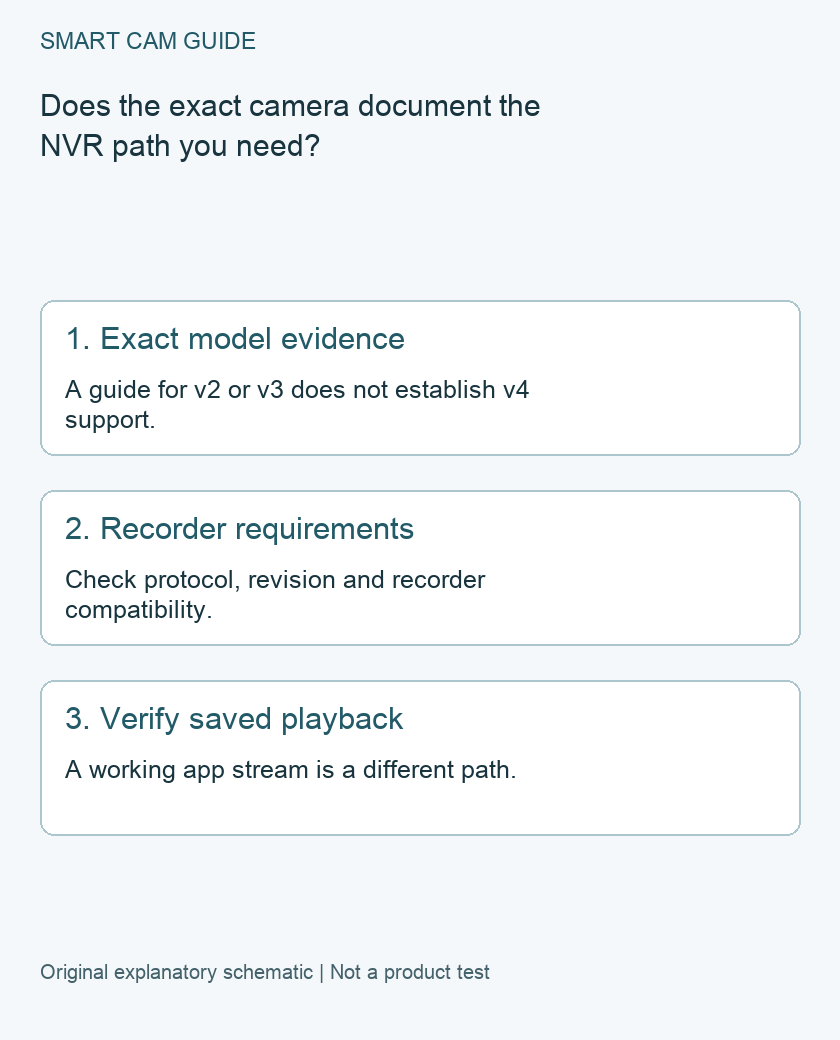
Why a Wyze RTSP search result can be misleading
Wyze’s legacy RTSP article describes separate firmware for named older cameras and explains maintenance and feature limitations. A search result containing “Wyze” and “RTSP” is therefore not enough to establish support on every later camera.
Wyze also publishes release notes under separate model headings. A feature under another model’s heading must not be transferred to Cam v4. The absence of v4 in the reviewed legacy guide is a limit of the evidence here, not a prediction that support can never change.
Ask for four pieces of evidence
- The exact camera identity: Cam v4 is not Cam Pan v4, Cam v3 or another similar family name.
- The supported route: obtain the manufacturer’s current documentation for the protocol and firmware on that specific model.
- The recorder requirements: identify the recorder or NAS software, its supported camera/protocol list and any licensing or channel limits.
- The intended saved result: define what must record and how you will retrieve and play it back.
If the only available plan involves instructions written for a different camera, leave the purchase unresolved. A seller’s generic “works with NVR” statement should be checked against the exact implementation rather than treated as the missing documentation.
An app live view is not the recorder test
Seeing the camera in its native app proves something about that app connection. It does not establish that a separate recorder can ingest the stream, save it as intended or retrieve the footage after a restart.
Similarly, a memory card in the camera is a separate storage route. If your requirement is a central recorder timeline, do not replace it in your decision record with a camera-side card simply because both are described as local recording.
Consider a documented alternative with clear limits
The reviewed Tapo C120 model datasheet lists RTSP and ONVIF. That makes it a candidate for an appropriate recorder workflow, subject to the exact regional hardware revision, firmware and recorder compatibility. It does not establish that every combination has been tested or that a particular feature transfers into a third-party app.
C120 uses Wi-Fi rather than an Ethernet port. Do not order it for a required wired PoE connection. Also check whether the recorder needs a camera license and whether the location’s power and network arrangement suit the installation. The separate C120 NAS/NVR guide covers that model’s setup considerations.
A purchase-window acceptance plan
Before relying on any selected combination, define a simple owner test: identify the camera and recorder versions, add the supported connection, create an unimportant known event, then locate and play the saved result from the recorder. Confirm the correct camera, time and useful view.
Record any unverified behavior, such as reconnection after a routine restart or the availability of audio in the intended recording path. This is a proposed check, not a claim that we performed an integration test.
Keep unsupported firmware experiments out of the buying promise
Community bridges, unofficial software and firmware intended for a different model are separate projects with their own requirements. They are not an official compatibility statement for the product in the cart. This article does not provide flashing instructions or ask you to weaken device security to make a purchase fit.
If you already own a v4 and are satisfied with its native app or card workflow, an unresolved NVR route is not automatically a reason to discard it. If you are buying specifically for recorder integration, obtain model-specific support evidence first and choose a documented route that matches the requirement.
Compare the exact US buying options
Check current details and price on Amazon. These are previously verified matching product destinations, not confirmation of current stock, price, seller, delivery or included accessories.
Tapo C120 indoor/outdoor camera, single camera
A conditional alternative when a documented RTSP/ONVIF path is required. Match the selected hardware revision and firmware to the documentation and confirm recorder compatibility. It is not an Ethernet/PoE camera, a NAS license or a guarantee of trouble-free integration.
Check Tapo C120 indoor/outdoor camera on Amazon
Related guides
- Tapo C120 vs Wyze Cam v4: Recording, Power and Full Cost
- Tapo C120 with a NAS or NVR: RTSP, ONVIF and Recording Limits
- Save Wyze Cam v4 microSD Footage Before It Is Lost
Sources and research scope
Reviewed November 9, 2026. Wyze official legacy RTSP guidance and named compatible models; Wyze model-specific firmware release notes; TP-Link Tapo C120 US model description; TP-Link TapoC120 original model datasheet: RTSP and ONVIF. This is document-based guidance by Smart Cam Guide. The decision worksheet and proposed owner checks are editorial recommendations, not hands-on test results. Exact model, hardware revision and current instructions govern where details differ.