By Smart Cam Guide
As an Amazon Associate I earn from qualifying purchases. Purchases through our links may earn us a commission at no extra cost to you.
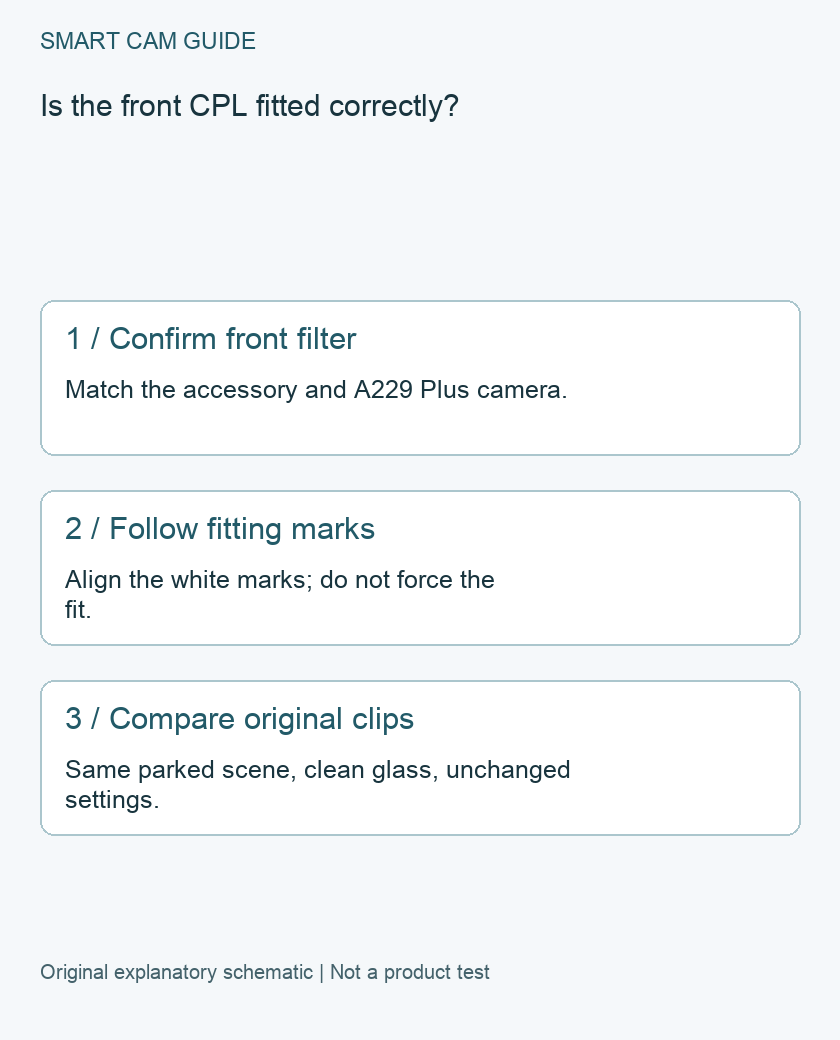
For the VIOFO A229 Plus front camera, follow the manual’s alignment marks when fitting the optional CPL. The manual calls for the white mark on the filter to align with the corresponding camera mark. Start there rather than copying a rotation technique from a different camera or forcing an accessory that does not fit.
Check the accessory before changing menus
A CPL is a physical circular polarizing filter. VIOFO describes its purpose as reducing reflections and glare. It is separate from the camera’s HDR menu setting. The current A229 Plus manual has different accessory illustrations for the front camera, optional 1080P rear camera and telephoto camera; do not assume one filter or fitting method covers every channel.
Identify the camera and accessory from their packaging or documentation. A listing saying only “VIOFO compatible” is insufficient evidence for a particular lens. If the part is uncertain, settle compatibility before attaching it.
Fit it while parked
Work with the vehicle stationary in a safe place. Use the manufacturer’s front-camera illustration, printed page 34 in the reviewed manual, to identify the intended position. Align the specified marks and check that the filter is seated without obstructing the view. If it resists, stop and recheck the part instead of pressing harder.
Do not move the camera mount simply to make the accessory appear level. Mount position and filter position are separate variables. After fitting, inspect the live view for an unexpected obstruction or changed framing before you depend on another recording.
An original comparison worksheet
The following is an editorial owner-check method, not a performance test we conducted. Choose a parked scene where the dashboard reflection is visible and keep your camera settings unchanged. Record a short baseline clip and a second clip with the correctly fitted filter. Keep the windshield condition, camera position and scene as consistent as practical.
- Name the files: baseline and fitted-filter, with time and channel.
- Describe the target: dashboard reflection in a specific part of the frame, not a general impression of “better quality.”
- Use original files: compare downloaded recordings rather than two differently compressed app screenshots.
- Record limitations: changing sunlight, clouds or surroundings can weaken the comparison.
- Check ordinary low-light footage separately: a daylight improvement does not establish the result for every lighting condition.
What a persistent reflection does not prove
Remaining glare is not by itself proof of a defective filter. Confirm the exact accessory, marked alignment, cleanliness and unchanged framing first. If the result remains unacceptable, share the original clips and installation photographs with VIOFO support. Do not claim a guaranteed number-plate benefit from a reflection comparison alone.
Keep CPL, HDR and parking power separate
Change one item at a time so that you can tell which adjustment produced a difference. Use the related HDR guide for resolution/frame-rate behavior and the HK4 guide for parking power. Buying another filter will not resolve a recording gap caused by an unrelated power or storage issue. No product purchase is required to carry out this compatibility and evidence check.
Buying option: match the exact product
For an A229 Plus front camera requiring the matching optional filter, compare the CPL-200 rather than buying another camera or a rear-camera accessory. Confirm that your package does not already include it, match the front-camera fit and follow the alignment marks. This is not a 1080P rear or telephoto CPL, and it cannot guarantee plate capture in every light.
VIOFO CPL-200 front-camera polarizing filter, one filter
Check VIOFO CPL-200 front-camera polarizing filter, one filter details on Amazon
Product link and model mapping reviewed November 4, 2026. Check the selected model, package, seller and current offer before ordering. No live price, stock or delivery is asserted.
Related guides
- VIOFO A229 Plus Missing 60fps? Check HDR and the Connected Cameras
- VIOFO A229 Plus Parking Mode: Is the HK4 Kit the Right Buy?
- Best 4K Dash Cam in 2026: What Actually Matters for Clear License Plates and Night Driving?
Sources and research scope
Reviewed November 3, 2026. VIOFO A229 Plus English manual, printed page 34; official manual directory; VIOFO A229 Plus English manual PDF. This is document-based guidance by Smart Cam Guide. The decision worksheet and proposed owner checks are editorial recommendations, not hands-on test results. Exact model, hardware revision and current instructions govern where details differ.