By Smart Cam Guide
As an Amazon Associate I earn from qualifying purchases. Purchases through our links may earn us a commission at no extra cost to you.
A saved SoloCam S340 preset is useful only if the camera returns to a view that covers the approach you actually need. Separate the default return position from manually selecting another view, turning on tracking or starting a scan. Do not assume a list of saved positions means the camera watches all of them at once.
What the manufacturer guide establishes
Anker Japan’s T8170 application guide, labeled for Eufy app v5.0.11 onward, describes presets as saved pointing positions and shows a default-position control. It says the preset settings determine where the camera returns after AI tracking ends. Its separate Live View controls distinguish selecting a preset, switching tracking and making a surrounding scan.
This is a manufacturer document for a particular regional interface, not proof that every current US phone displays identical labels or button locations. Use the controls and help offered for your own S340, app and firmware. If the screen differs, do not change the account region or reinstall the camera merely to imitate the illustration.
Name the view before changing it
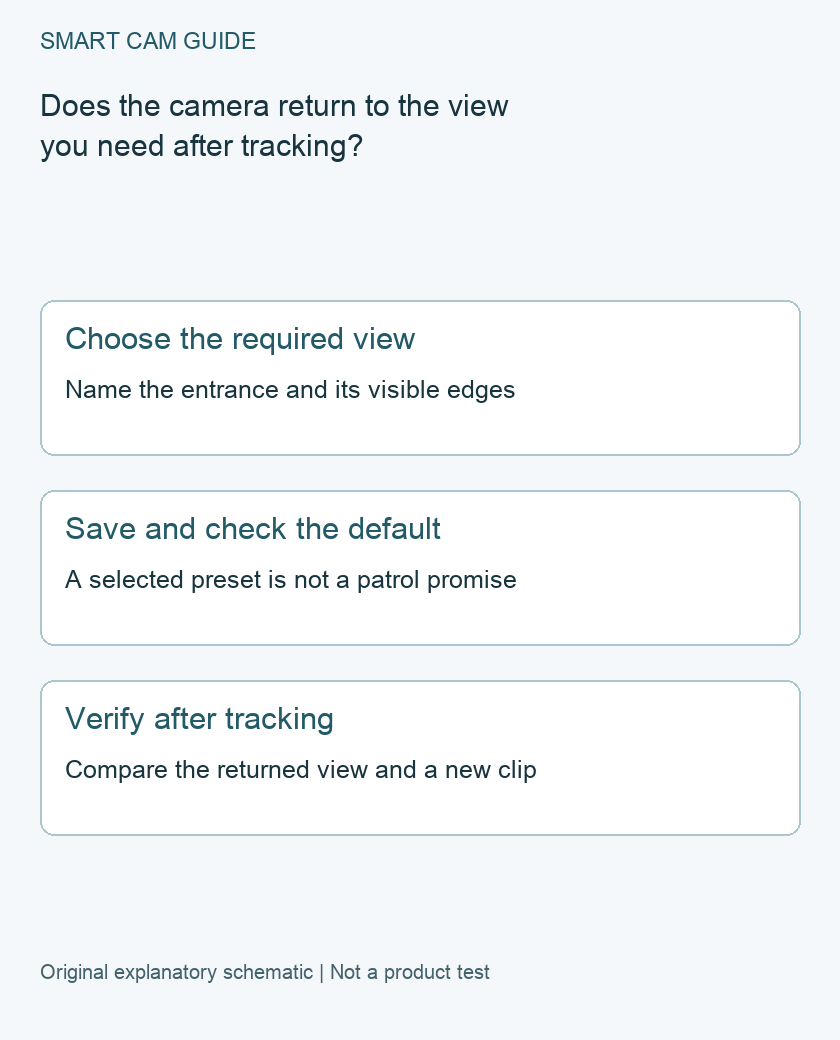
Choose one concrete task, such as seeing the full gate opening and the path immediately inside it. Save a reference image with visible landmarks at the edges. “Front yard” is often too vague to reveal that the returned view is several degrees away from the intended approach.
Keep the camera’s physical mounting and its solar-panel arrangement separate. Repositioning the panel for light should not be treated as confirmation that the camera still faces the intended route. If hardware is moved, review framing and any affected zones again.
Check saving, selecting and default return separately
- Saved position: adjust the view using the supported preset editor and save the intended position.
- Manual selection: select that saved view and confirm it recalls the expected landmarks.
- Default: identify which saved position is designated as the return view in your interface.
- Tracking: check its separate enablement and observe the behavior after an ordinary permitted test movement.
Record these as separate results. A manually recalled position proves a different thing from a return after tracking. Neither, by itself, establishes that a motion clip has been saved or that another entrance is covered while the lens points away.
Run a return-view check
With the people involved informed, use an ordinary movement within the monitored area. Observe the camera’s view after tracking finishes and compare the same landmarks with the reference. Then inspect a newly saved event through the storage route you rely on. Record the camera, app version, test time, selected default and outcome.
Repeat if the result is unclear, without changing the default, tracking and mounting together. If the camera repeatedly returns somewhere else, preserve a short screen record for support and stop cycling unrelated settings. A factory reset is not the first evidence-gathering step.
Know the coverage limitation
A pan-and-tilt mechanism changes the direction of the view; it does not make every direction simultaneously visible. A saved preset is not evidence of a supported timed patrol or a guaranteed response to movement outside the present view. Check any automation requirement independently before relying on it.
If you need two routes covered at the same time, assess whether a fixed view can include both adequately or whether another coverage arrangement is required. This document-based checklist is not a measured tracking-performance review, an all-events guarantee or a recommendation to buy HomeBase solely to fix a preset symptom.
Buying option: match the exact product
If a new S340 suits the planned location, compare this camera after resolving solar exposure, power and storage requirements. Presets and tracking do not provide simultaneous coverage in every direction. No new camera is required simply to save an existing preset.
eufy SoloCam S340
Check eufy SoloCam S340 details on Amazon
Product link and model mapping reviewed November 4, 2026. Check the selected model, package, seller and current offer before ordering. No live price, stock or delivery is asserted.
Related guides
- eufy SoloCam S340: Solar Panel Placement Around Shade
- eufy SoloCam S340: Is HomeBase 3 Worth Adding for Storage?
- Security Camera Through a Window: Fix Night Reflections Before Buying
Sources and research scope
Reviewed November 2, 2026. Anker Japan SoloCam S340 T8170 app operation guide, Eufy app v5.0.11 onward, PDF pages 15 and 27 / printed 12 and 24; eufy SoloCam S340 US product page, model identity and motion tracking. This is document-based guidance by Smart Cam Guide. The decision worksheet and proposed owner checks are editorial recommendations, not hands-on test results. Exact model, hardware revision and current instructions govern where details differ.