By Smart Cam Guide
As an Amazon Associate I earn from qualifying purchases. Purchases through our links may earn us a commission at no extra cost to you.
Ring says deleting a video is permanent and cannot be reversed. Before deciding that a missing clip was deleted, check the correct Location, device, History filters and time. If the original is gone, look for a copy that was already saved or shared; buying another plan is not a way to recreate the event.
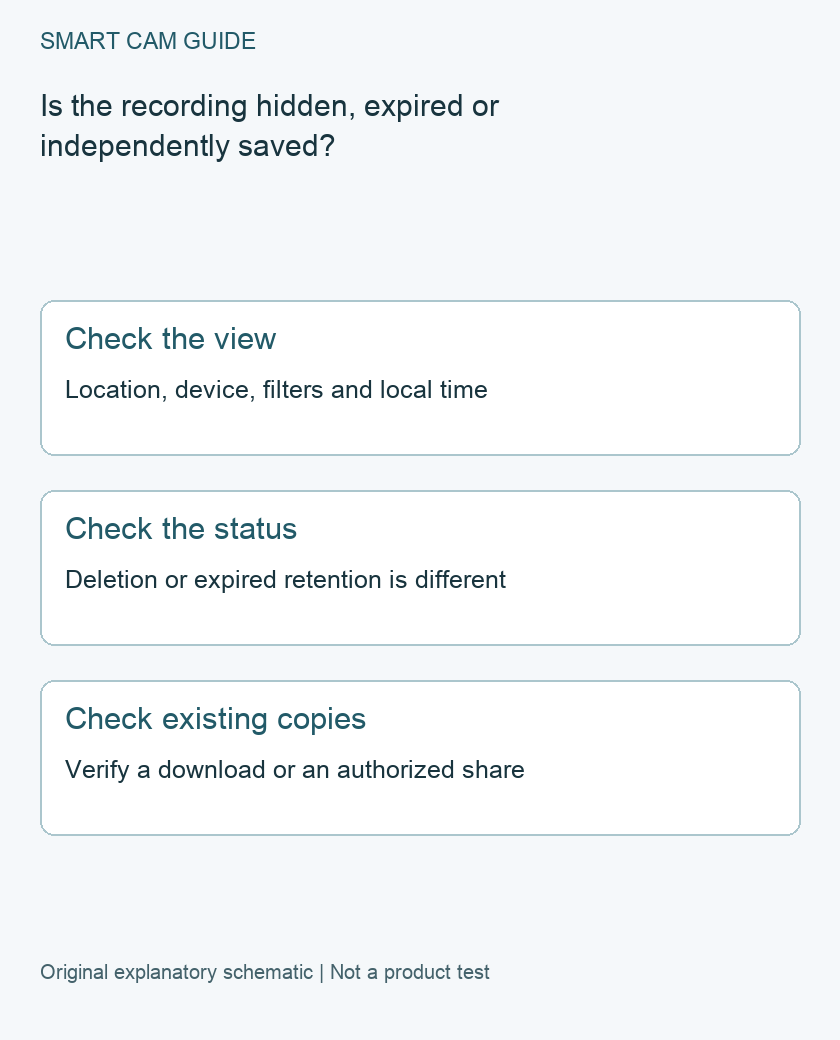
First rule out the wrong history view
Ring’s Event History can be filtered by device and event type. Check the expected camera rather than only the last camera opened. The app also displays History times in your current local time while traveling, so write down the event’s expected time zone before searching another day.
Use a small search record: Location, camera name, approximate incident interval and time zone, event type, and what the app actually shows. A history marker, an alert on a phone and a playable recording are different observations. If an event appears but cannot play, note the exact message instead of immediately labeling it deleted.
Separate deletion from expired storage
Ring’s video management guide describes deletion as irreversible. Its storage guidance also warns that recordings can be permanently lost when their storage period expires or a subscription lapses. Increasing storage duration applies to recordings made after the change; it does not extend an old clip retroactively.
Storage settings are per device, and some recording features have different retention limits. Check the actual device and recording type rather than assuming that the longest advertised period applies to every saved interval. Do not cancel, reset or transfer the device as an experiment to recover missing footage.
Look for copies that already existed
Check the download destination on the phone or computer used at the time, an existing backup of that destination, and any authorized recipient who received a file. Ring provides app downloads and multi-video downloads through its website. A downloaded archive must be opened and its individual video verified; a filename alone is not proof that it contains the needed scene.
A shared link deserves a separate check. Ring notes that a previously shared video may remain available through its share link even after the private event is deleted. That is not restoration of the original Event History, and access may change. Do not create a new public share for sensitive footage merely to test recovery.
Use a preservation checklist for an available clip
- Confirm the scene and the start and end of the useful interval in playback.
- Download through the supported account controls to a destination you can identify.
- Open the downloaded file independently and verify the scene and duration.
- Keep the original file and a separate backup; record the camera, time zone and download date without overwriting the original.
These are editorial preservation steps, not a tested forensic recovery method. Keep private recordings private and share only with an appropriate recipient. A copy of a different interval, a screenshot or a Snapshot Capture is not a replacement for missing video.
When to contact support
If a recording that should still be available will not load, give Ring support the device and time record, error message and relevant plan details. Keep account credentials out of screenshots. Playback investigation and restoration of permanently deleted footage are different requests; this guide offers no guarantee of recovery and recommends no recovery software or replacement camera.
Buying option: match the exact product
If you are setting up a separate indoor view, compare this camera and its current recording-plan requirements. It is not a deleted-video recovery product. Resolve how important clips will be saved and retained before purchasing another camera.
Ring Indoor Cam (2nd Gen), white
Check Ring Indoor Cam (2nd Gen), white details on Amazon
Product link and model mapping reviewed November 4, 2026. Check the selected model, package, seller and current offer before ordering. No live price, stock or delivery is asserted.
Related guides
- Transfer a Ring Camera: Ownership, Saved Videos and Subscription
- Ring Snapshot Capture vs Video: What the Timeline Actually Saves
- Ring End-to-End Encryption: Check Alexa, Sharing and Recovery
Sources and research scope
Reviewed November 1, 2026. Ring Managing your Ring videos, US support; Ring Adjusting your video storage time, US support; Ring Viewing Event History and Event Summary, US support. This is document-based guidance by Smart Cam Guide. The decision worksheet and proposed owner checks are editorial recommendations, not hands-on test results. Exact model, hardware revision and current instructions govern where details differ.