By Smart Cam Guide
As an Amazon Associate I earn from qualifying purchases. Purchases through our links may earn us a commission at no extra cost to you.
A Ring motion clip ending before a selected maximum is not automatically a failed recording. Check Video Recording Length, automatic motion-based stopping and the device’s effective power mode. Keep a saved event’s ending separate from Live View session length, pre-roll and the interval before another event is detected.
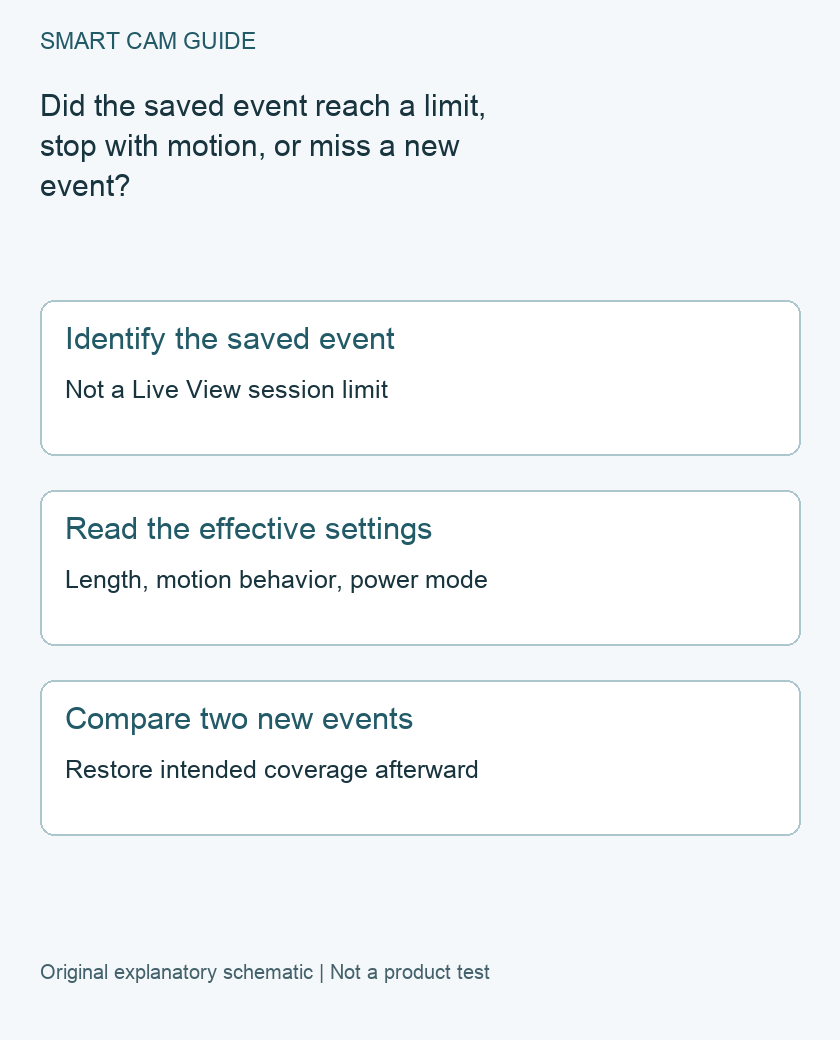
Write down the event you are investigating
Record the camera name, capture time and actual playable duration. Note what you expected to see after the clip ended. If activity continued but left the camera’s detection area, that observation differs from a person remaining visibly in motion within it.
Use the saved event, not a phone notification’s arrival time, as the starting evidence. A notification does not establish the first or last captured frame. Preserve an important clip before changing settings or running new tests.
Read the current recording-length control
Ring places Video Recording Length under the selected device’s Video Settings and requires a compatible subscription for the feature. Available behavior depends on device and power setup. Its current guidance describes Auto on most wired models as recording from motion onset until motion is no longer detected, up to the stated limit; Advanced Motion Detection can also end a recording early when motion stops.
A maximum therefore should not be treated as a promise that every trigger creates a file of that duration. Look at the actual control and associated motion settings on your device rather than copying a screenshot from an older model.
Keep four timing questions separate
- Event ending: how long this saved motion recording continues.
- New-event frequency: how soon the device checks for or responds to subsequent activity.
- Pre-roll: what may be captured before the motion event begins.
- Live View: how long a manually opened live session runs.
Increasing one setting does not prove the other three changed. Use the separate Motion Frequency, pre-roll and Live View guides when the missing moment belongs to one of those questions. This page does not turn event recording into continuous recording.
Check the effective power mode
Ring documents that supported dual-power devices can optimize settings differently in battery or low-power operation, including setting recording length to Auto. Confirm the actual reported mode and supported power supply before concluding that an app setting failed to save.
Do not assume an attached cable is valid mains power, or that a solar panel means the device is operating as a wired camera. Use the exact model’s approved power plan. This guide does not recommend changing an electrical installation just to obtain another recording option.
Run a controlled comparison
- Record the existing length, motion settings, Mode and power state.
- Choose a suitable test time and a consenting person within the intended view.
- Create one harmless event, then inspect its saved duration and visible final frames.
- If the device offers a relevant supported change, alter only that setting and repeat the same route.
- Preserve the two event times and restore the household’s intended configuration.
Do not create a risky incident to test a camera. One short comparison is a diagnostic aid, not a reliability trial or a guarantee that every future event will be captured.
Balance longer clips against operating costs
For battery operation, Ring notes that shorter recordings generally support longer battery life. A longer available maximum may be useful for a particular route, but it is not free additional coverage and does not correct a missed trigger or blocked view.
If a clip still ends unexpectedly, send support the exact device, power mode, app version, effective settings and the two saved event times. Distinguish an early stop from a gap before the next event. We have not tested battery endurance or measured capture success, and no new camera or subscription is established as necessary from one short clip.
Buying option: match the exact product
For a hardwired outdoor installation, compare the Wired Plus camera and its current supported recording plan. Confirm the electrical installation and recording requirements before ordering. This camera link does not promise that every event lasts the selected maximum duration.
Ring Floodlight Cam Wired Plus, white
Check Ring Floodlight Cam Wired Plus, white details on Amazon
Product link and model mapping reviewed November 4, 2026. Check the selected model, package, seller and current offer before ordering. No live price, stock or delivery is asserted.
Related guides
- Ring Motion Frequency: Frequently, Regularly or Periodically?
- Ring Live View Stops at 10 or 30 Minutes: Which Mode Do You Need?
- Ring Advanced Pre-Roll: What the Six Seconds Before Motion Mean
Sources and research scope
Reviewed October 28, 2026. Ring Adjusting video recording length; Ring Troubleshooting Power Modes. This is document-based guidance by Smart Cam Guide. The decision worksheet and proposed owner checks are editorial recommendations, not hands-on test results. Exact model, hardware revision and current instructions govern where details differ.