By Smart Cam Guide · Research checked September 29, 2026. This is a document-based guide, not a hands-on test.
Affiliate disclosure: As an Amazon Associate I earn from qualifying purchases.
Use this editable workbook to compare one-year and three-year camera ownership costs, then estimate the cellular data your viewing habits could use. Replace the yellow example inputs with your own quotes and measured settings. The results are planning estimates, not a product price list or a promise about your bill.
Download the camera cost and data planner (.xlsx)
The workbook has two sheets: Ownership cost and Cellular data. It uses ordinary formulas with no macros. Save a copy before editing. Use one consistent currency on the cost sheet; the supplied USD numbers are fictional examples, not current Amazon prices. You can use Excel or another spreadsheet application that reads .xlsx, then check that formulas recalculate after changing an input.
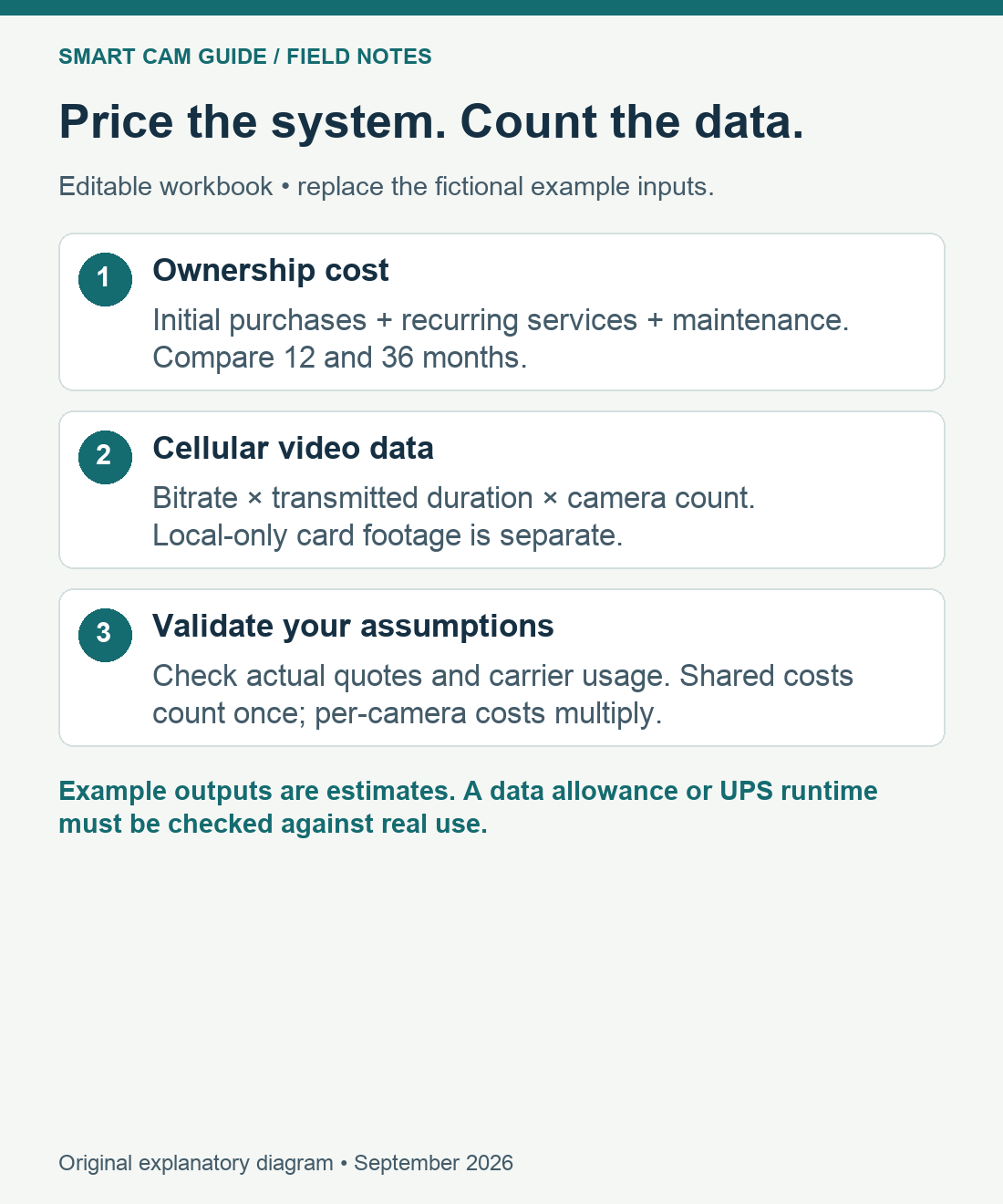
One year versus three years: what belongs in the budget?
| Input group | What to enter | How it is counted |
|---|---|---|
| Per-camera purchases | Camera, storage and accessories, including required power hardware. | Camera count multiplies each per-camera figure. |
| Shared initial costs | One shared recorder/hub and total installation labor. | Counted once for the system. |
| Monthly services | SIM cost per camera and total cloud cost for the system. | 12 months for year one; 36 months for three years. |
| Maintenance / replacements | Annual system allowance; additional replacements expected in years two and three. | Annual allowance repeats; the extra replacement figure is added once to the three-year total. |
Enter zero for a cost that genuinely does not apply. Include tax and shipping in the appropriate quoted purchase figures if you want a landed-cost comparison. Avoid counting a bundled card or solar panel twice. The workbook assumes the same camera count and monthly rate throughout; it does not forecast inflation, financing, electricity costs or price changes. Add those costs to your own allowances when relevant.
Example: one camera at $200, a $20 card, $30 of accessories and $50 total installation gives $300 initially. A fictional $10 monthly SIM fee, no cloud fee and $20 annual maintenance allowance produces $440 for one year. Adding $40 of extra replacements during years two and three produces $760 for three years. These are arithmetic examples, not a recommended budget or a verified plan offer.
With four identical cameras, per-camera hardware and SIM costs multiply, while the example’s $50 installation, $20 annual allowance and $40 extra replacements remain system totals. The results become $1,550 and $2,590. Increase shared allowances if your actual multi-camera installation needs more work. Do not assume one SIM plan pools data across cameras unless the plan explicitly says so.
For model and plan selection, read the 4G camera subscription-cost guide. Compare equivalent retention, upload limits and camera coverage before deciding which total is lower.
Cellular data: count transmitted video, not every local recording
A camera writing only to its own microSD card does not turn every stored video byte into SIM traffic. Live viewing, remote playback, cloud clip uploads and other network activity can consume cellular data. What travels over the connection depends on the exact model and settings. The workbook keeps live viewing and uploaded event clips separate, then adds an adjustable reserve and a system-wide allowance for other traffic.
The basic decimal conversion is: GB = bitrate in Mbps × transmitted seconds ÷ 8 ÷ 1,000. Multiply by camera count and the number of days. Use the actual stream bitrate where available; “2K” or “4K” alone is not a bitrate. Variable bitrate, audio, retransmissions and protocol overhead can change real usage.
| Fictional 30-day example | Calculation | Video / total data |
|---|---|---|
| Live viewing | 1 Mbps × 10 minutes/day × 60 × 30 ÷ 8 ÷ 1,000 | 2.25 GB |
| Uploaded event clips | 1 Mbps × 20 clips/day × 30 seconds × 30 ÷ 8 ÷ 1,000 | 2.25 GB |
| Reserve and other traffic | 4.5 GB × 1.20 + 0.10 GB | 5.50 GB estimated total |
The 20% reserve and 0.10 GB allowance are editable example assumptions, not measured overhead for a camera. If clips stay on the card and are never uploaded, enter zero uploaded clips. Include remote playback in transmitted viewing minutes, or add its estimated traffic separately without double counting. Continuous cloud streaming needs its actual transmitted duration, not an event-only assumption.
For two identical cameras under these example settings, the estimate is 10.90 GB: the video doubles, while the 0.10 GB other-traffic allowance remains a system total. The optional plan allowance field shows the difference between your allowance and estimated use; a positive result is not a guarantee against overage. Check the provider’s billing units, throttling, expiry, supported SIM and overage terms.
Validate the estimate before committing to a larger plan
- Record the starting data balance and reset date in the camera or carrier dashboard.
- Use the intended resolution, clip settings and realistic viewing routine for a representative period.
- Compare actual usage with the same number of days in the workbook. Include busy days, remote playback and firmware traffic.
- Adjust the bitrate or other-traffic allowance using evidence; do not hide a large discrepancy inside an arbitrary reserve.
- Recheck after adding cameras, changing settings or enabling a new upload service.
The 4G camera data-usage guide explains the use cases behind these inputs. For electrical backup costs, also map which camera and network devices need backup power before pricing the hardware.
Method: original arithmetic model, version September 29, 2026. Example inputs are fictional. Workbook formulas were recalculated and checked for single/multiple cameras, zero upload traffic and missing inputs. No field data usage or native Excel device test is claimed.