By Smart Cam Guide
As an Amazon Associate I earn from qualifying purchases. Purchases through our links may earn us a commission at no extra cost to you.
Blink Mini 2K+ can be used outdoors only with the required compatible Blink Weather Resistant Power Adapter and a suitable installation. Its camera weather rating is not permission to leave an ordinary indoor power supply outside. Confirm the camera, adapter, cable route and outlet before ordering. Confirm the exact selected package; a camera purchase alone does not establish an outdoor-power bundle.
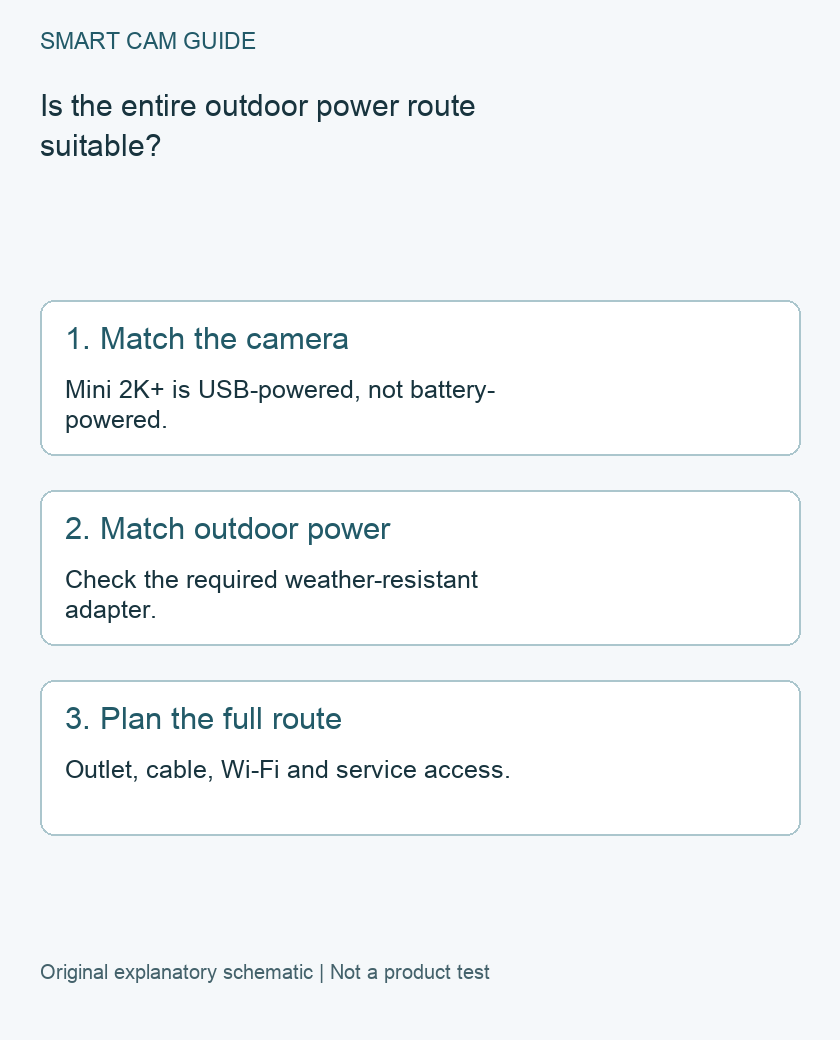
Match Mini 2K+ rather than another Blink camera
The US Mini 2K+ FAQ describes a plug-in camera with an IP65 rating when used with the required outdoor adapter. It is not an AA-battery camera. A power-backup statement about a Blink Outdoor model with batteries should not be transferred to Mini 2K+.
Keep the exact name and model together in your purchase note. Blink’s adapter specification lists the Mini 2K+ as BCM00800U and the Weather Resistant Power Adapter as BAH0410U in its compatibility table. A similar connector or the word “Blink” on a different power accessory does not complete that match.
Check the power assembly as a complete product
The reviewed weather-resistant adapter specification lists a 13-foot cable and 5V/2A output. Those specifications belong to that assembly. They are not an instruction to combine arbitrary cables, extension joints and power bricks into an outdoor equivalent.
If the current listing offers several bundles, inspect the selected option and its contents. “Two cameras” establishes camera count, not two outdoor adapters. Save the exact camera count, adapter model and included accessories before comparing totals.
Measure a real cable route
- Mark the viewing position. Identify what must remain in the frame, then check the exact mounting instructions and the environment.
- Trace the route to a suitable outlet. Measure the path around corners and along the intended fixing points, not a straight line through a wall.
- Check the complete reach. Leave the installation allowances specified by the product instructions. Do not plan a cable under tension or assume an unverified extension preserves weather protection.
- Check connection and service access. The plan should not depend on a camera hanging by its cable or an inaccessible joint.
- Resolve the outlet question. Have an appropriate professional assess uncertain outdoor electrical arrangements. This article is not an outlet installation or wiring guide.
Blink’s mounting guidance calls for an outdoor-rated outlet when using the outdoor adapter. An eave can influence exposure, but it does not turn an indoor supply into the specified weather-resistant assembly. Follow the current installation instructions for your complete selected kit.
Verify Wi-Fi at the proposed position
Working power does not establish a working camera connection. Before committing to the mount, check the current network requirements and the actual position. Walls, distance and the proposed mounting surface can make a location different from the indoor setup spot.
A room-temperature indoor setup also does not verify the whole outdoor environment. The US camera FAQ lists its operating range as -4°F to 113°F. Keep the camera’s limits separate from the adapter’s own specification; the installation must satisfy both. We have not performed weather or reception testing.
Keep storage and outage expectations separate
An outdoor adapter supplies power; it does not establish which recordings will be saved or where they will be reviewed. Use our separate Mini 2K+ storage guide to choose the required module and storage path. Do not buy a power accessory to solve an unresolved storage-plan mismatch.
Likewise, Mini 2K+ has no AA-battery fallback to assume from the Outdoor range. If continuity during an outage matters, plan that requirement separately. This checklist does not establish an outage-proof installation.
Before ordering the camera and outdoor adapter
Record how many views you need and which accessories each outdoor position requires. A two-camera package is useful only if both views and their complete installed arrangements make sense. If you need one view, do not buy a second camera just to match a multipack offer.
We have not established a current exact Amazon camera-package destination or a matching adapter destination for this guide, so there is no purchase button. Confirm the camera variant and required accessory together before committing to an outdoor installation; an incomplete power plan is a reason to pause, not to substitute an unverified USB cable.
Related guides
- Blink Mini 2K+ Local Storage: Sync Module 2, XR or Core?
- Blink Outdoor 4 Batteries: USB-C Power Is Not a Charging Plan
- Security Cameras During a Power Outage: What Needs Backup Power?
Sources and research scope
Reviewed November 8, 2026. Blink Mini 2K+ US FAQ; Blink weather-resistant power adapter BAH0410U technical specifications; Blink Mini2K+ mounting guide. This is document-based guidance by Smart Cam Guide. The decision worksheet and proposed owner checks are editorial recommendations, not hands-on test results. Exact model, hardware revision and current instructions govern where details differ.