By Smart Cam Guide
As an Amazon Associate I earn from qualifying purchases. Purchases through our links may earn us a commission at no extra cost to you.
A Wyze Cam v4 siren command is an Automation action, not the same setting as a phone notification or the spotlight. If the siren runs unexpectedly or fails to follow an intended rule, inspect the trigger, exact target camera and off action before changing detection or buying hardware.
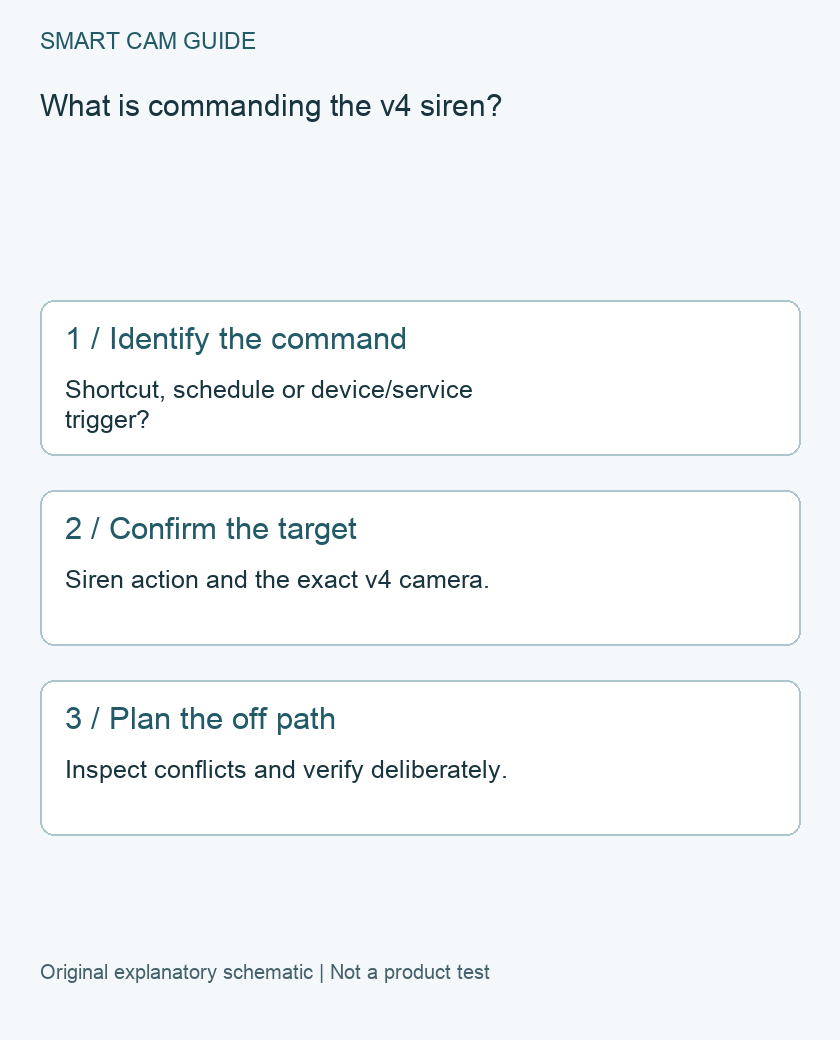
Read the rule as a complete sentence
Wyze’s v4 reference separates Shortcuts, Schedules and Device & Service Triggers. It lists Turn on the siren and Turn off the siren as actions, alongside separate notification, detection, camera-state and lighting actions. A trigger describes what starts the rule; an action describes the requested result.
Write the rule in plain language: “When this specific event occurs on this device, command this particular camera’s siren.” This catches a common configuration ambiguity: the device that detects something and the device receiving the action may not be the same intended target.
Audit before making noise
- Record the Automation name and whether it is a Shortcut, Schedule or event-triggered rule.
- Identify the source device and exact trigger, rather than treating all detected activity as equivalent.
- Check the destination camera by its device name and location.
- Confirm that the action says siren, not Motion Warning, notification or Spotlight.
- Identify how the siren is intended to stop. Do not assume the rule includes an off command merely because it contains an on command.
Save screenshots of the existing rule before changing it. For a shared household, confirm who relies on the rule and avoid disabling unrelated notifications or recording behavior as a troubleshooting shortcut.
Look for overlapping commands
Review other relevant Automations targeting the same camera. A schedule changing the camera or detection state may matter to your intended workflow. Record the actual actions and times instead of guessing that a rule with a similar name is responsible.
Wyze’s list includes accessories and actions with their own requirements. A listed capability is not proof that every account, detection category or attached accessory is available in your setup. Check the current app and any applicable service requirements before relying on a rule. This guide does not claim an unverified free-plan entitlement.
Verify in a controlled, non-emergency situation
Begin with inspection rather than repeatedly activating an audible alarm. If you choose to test, arrange a suitable time, warn affected occupants and keep the verified off control available. Do not use smoke or CO alarm sounds as casual trigger experiments or treat a camera automation as a replacement for a life-safety device.
Record the input event, time, intended camera, observed output and stop result. Change one relevant setting at a time. A successful one-time test establishes that observation, not guaranteed future detection or emergency response.
When to move to a different diagnostic path
If the actual problem is a light that will not illuminate, use the separate spotlight guide. If a saved clip is missing audio, investigate recording audio rather than the siren action. If the rule and target appear correct but behavior remains inconsistent, provide Wyze support the rule screenshots, camera details and timed observations.
Preserving these distinctions helps resolve the intended command without accidentally changing the household’s recording or notification choices. No new camera or accessory is established as necessary by this configuration audit alone.
Buying option: match the exact product
For a new v4 installation, compare this camera and the current app/service features you need. It is not Cam Pan v4 and not an external siren accessory. A wrong Automation target or off action should be corrected before considering replacement hardware.
Wyze Cam v4, white, one camera
Check Wyze Cam v4, white, one camera details on Amazon
Product link and model mapping reviewed November 4, 2026. Check the selected model, package, seller and current offer before ordering. No live price, stock or delivery is asserted.
Related guides
- Wyze Cam v4 Spotlight Not Turning On: Test the Light Before Buying a Kit
- Wyze Cam v4 Recordings Have No Audio: Separate Playback from Record Sound
- Wyze Cam v4 Without a Subscription: SD Recording vs Cloud Events
Sources and research scope
Reviewed November 4, 2026. Wyze Support, Wyze Cam v4 Automations. This is document-based guidance by Smart Cam Guide. The decision worksheet and proposed owner checks are editorial recommendations, not hands-on test results. Exact model, hardware revision and current instructions govern where details differ.