By Smart Cam Guide
As an Amazon Associate I earn from qualifying purchases. Purchases through our links may earn us a commission at no extra cost to you.
A doorbell wedge makes sense when a flat mount misses people until they reach the button or gives most of the frame to nearby trim. Test a horizontal angle for a side approach and a vertical angle for stairs or a package area. Keep the angle that improves useful framing without losing the face at the button or the parcel area you care about.
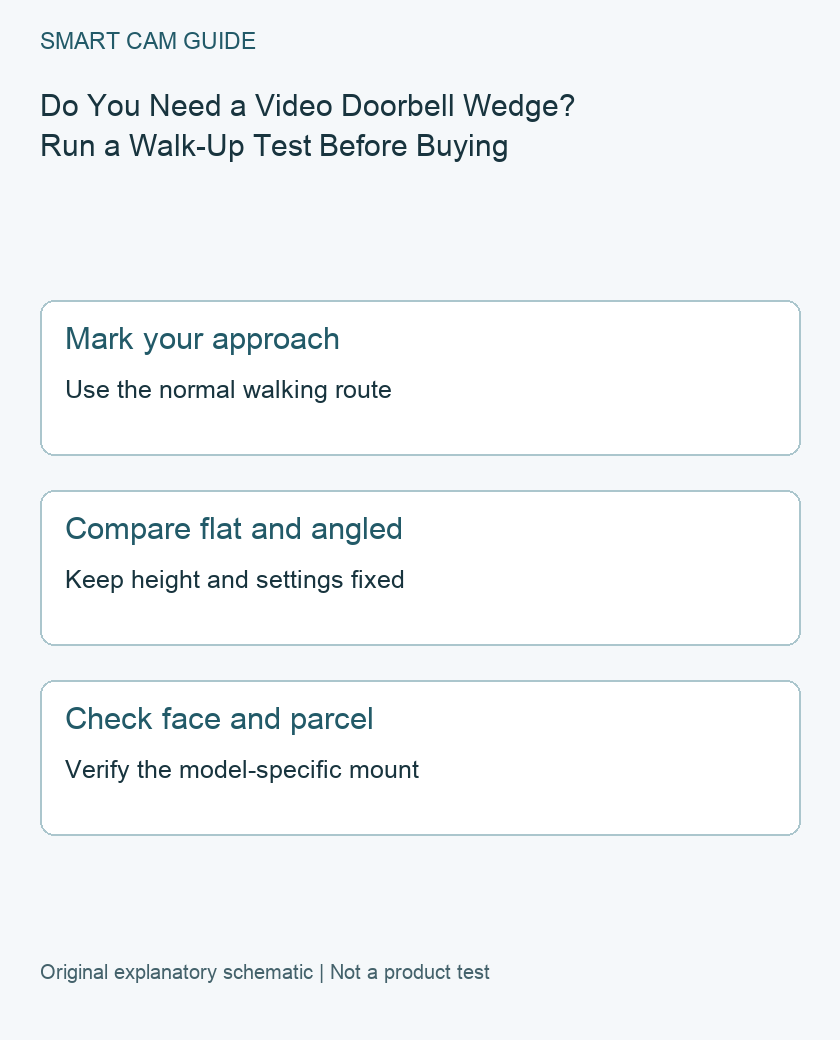
Mark three points on the real approach
Pick a point where you first need to see a visitor, the normal stopping point at the button, and the spot where packages usually land. Use a consenting helper and keep the camera height fixed. A safely supported temporary setup is enough to compare framing. A phone held at the mount is only a rough preview and cannot reproduce the doorbell’s lens, motion detection or exposure. If the doorbell is hardwired, follow the manufacturer’s electrical instructions and leave exposed wiring de-energized during fit checks.
Compare flat and angled views using the same settings
Start at the manufacturer’s recommended height. Compare the live frame and one recorded event per direction when that feature is available. Keep activity settings, lighting, and the walking route as consistent as possible. Watch for a face entering at the edge, a large bright wall dominating the image, or a parcel disappearing just below the frame. Repeat after dark if porch lighting changes the view. An angle that improves framing might still leave a delayed alert, so record alert behavior separately.
Verify the exact wedge before ordering
Check generation, plate shape, screw pattern, wedge direction and whether the maker supports combining vertical and horizontal mounts. Measure how far the new assembly projects and leave enough clearance for a storm door, release tool or battery removal. For wired models, verify wire routing and strain relief with the maker’s diagram. If an angle solves one view by exposing a neighbor’s window or losing the main approach, test a smaller angle or a permitted alternative position first. A wedge moves the whole frame and does not expand the lens’s field of view.
Buying option: match the exact product
This is a vertical-angle option for owners of the exact compatible Ring Wired Doorbell Pro. Match your generation against Ring’s compatibility list and try the walk-up test before ordering.
Ring Wedge Kit for Wired Doorbell Pro (newest model)
Check Ring Wedge Kit for Wired Doorbell Pro (newest model) details on Amazon
Product link and model mapping reviewed November 16, 2026. Check the selected model, package, seller and current offer before ordering. No live price, stock or delivery is asserted.
Related guides
- Tapo C120 Digital Zoom: Check Distant Detail Before Buying
- Nest Cam Battery Mount Placement: Can You Reach It to Recharge?
Sources and research scope
Reviewed November 15, 2026. Smart Cam Guide framing and mounting clearance guides. This is document-based guidance by Smart Cam Guide. The decision worksheet and proposed owner checks are editorial recommendations, not hands-on test results. Exact model, hardware revision and current instructions govern where details differ.
If a shaded visitor turns into a silhouette against bright daylight, compare recorded face detail in a controlled backlight test before choosing an angle.