By Smart Cam Guide
As an Amazon Associate I earn from qualifying purchases. Purchases through our links may earn us a commission at no extra cost to you.
Save the original recording in a private location first. Make a separate copy for sharing, trim it to the interval the recipient needs, and review every frame where a sensitive detail moves into view. Preserve the unedited export if the recipient requires original evidence.
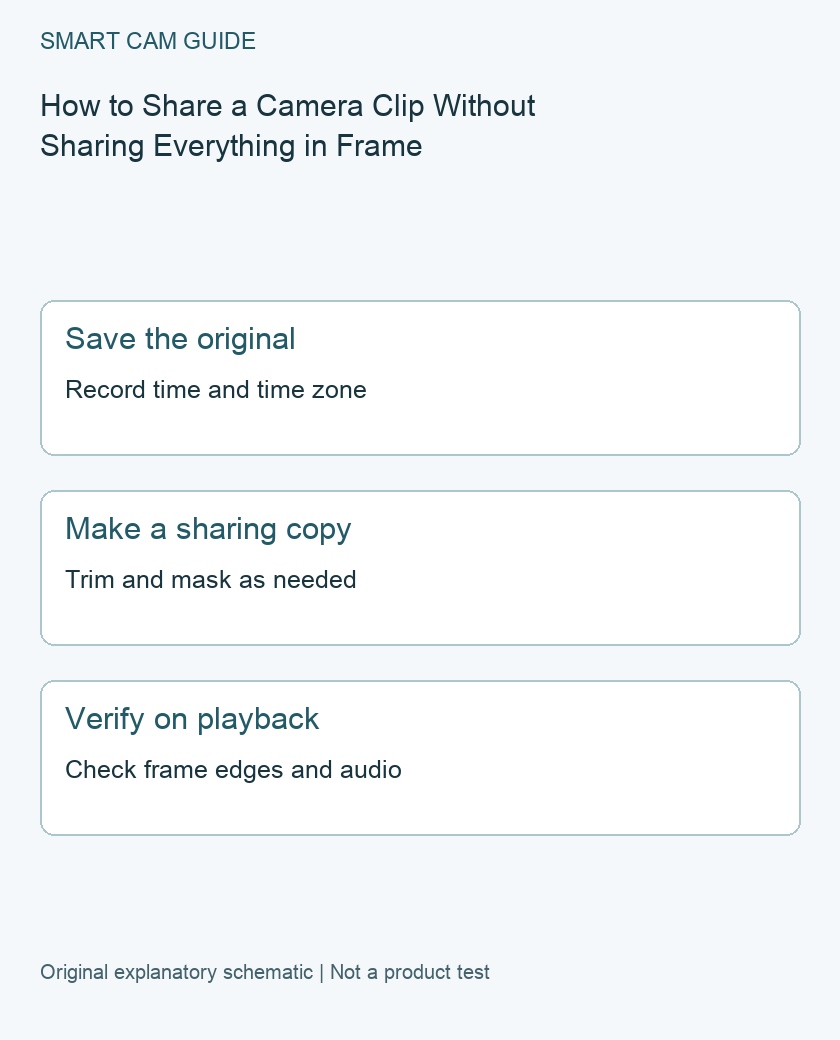
Export a source file and write down the context
Use the app’s supported export method. Note the camera label, the displayed date and time zone, and any clock offset you know about. If you need the moments before or after the alert, export the neighboring segments too. Confirm which file is the original app export; saving a screen recording can lose the original timestamps, framing or audio. Copy the original before editing so you can return to it.
Prepare the smallest useful sharing copy
Trim an excerpt that still shows enough context to understand the event. If you use blur or masking, follow the object through the frame and check that the effect survives motion, cuts and camera panning. Look for plates, house numbers, reflections and identifying audio. Muting a copy can be appropriate when audio is unnecessary. State what you changed when those edits matter to the recipient.
Watch the exported copy from start to finish
Open the finished export in a player before sharing it. Check the first and last frames, listen for unintended audio and make sure the copy can be distinguished from the original. A privacy zone configured in the camera now may not cover footage already recorded. If a recipient asks for an unaltered file, use their private submission route and share the original with the accompanying time notes.
Related guides
- VIOFO A229 Plus Emergency Lock: Find and Save the Incident Clips
- How to Line Up Two Security Camera Clips When Their Clocks Differ
Sources and research scope
Reviewed November 17, 2026. Smart Cam Guide original clip export and alignment guides. This is document-based guidance by Smart Cam Guide. The decision worksheet and proposed owner checks are editorial recommendations, not hands-on test results. Exact model, hardware revision and current instructions govern where details differ.