A portable security camera without Wi-Fi needs either a supported local-recording setup or a cellular connection for remote access. Portability adds another requirement: you must be able to move, power, mount and recheck the whole setup at the next location. A small camera body alone does not make a complete portable kit.
Choose local recording when retrieving clips later is sufficient. Choose cellular when you need supported remote viewing or notifications and suitable service is available. For the broader connection/storage comparison, read local recording versus cellular access. Here we focus on the practical kit and relocation checks.
Affiliate disclosure: As an Amazon Associate I earn from qualifying purchases. Shopping links on this page may earn us a commission.
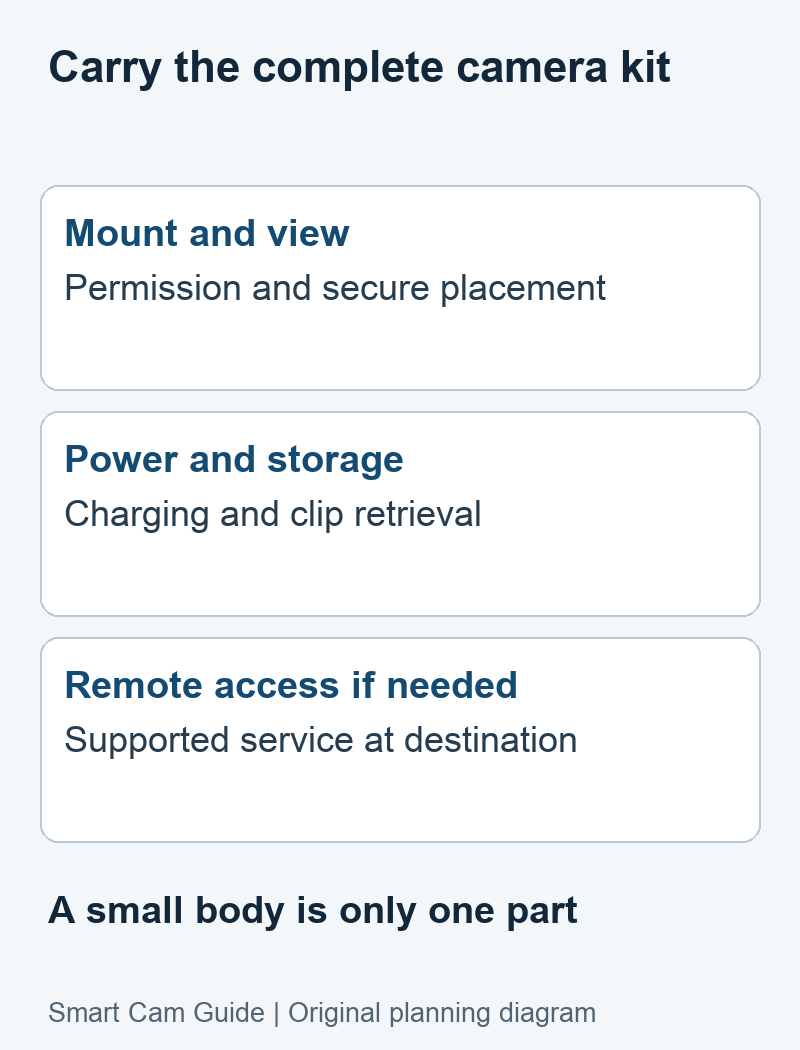
Compare the kit you must carry
| Kit component | What to settle before leaving |
|---|---|
| Camera and recording method | Exact model, local/event/continuous behavior and a saved sample clip |
| Power | Approved charger, cable and realistic access to recharging; panel if suitable |
| Storage | Compatible card or service, retrieval method and enough usable capacity |
| Connectivity | Regional radio, supported SIM/plan and destination coverage if remote access is needed |
| Mount | Permission, a secure supported attachment and an unobstructed view |
| Handover | Camera name, account access, recording schedule and person responsible for retrieval |
A solar kit includes a panel, cable and mounting arrangement. A plug-in camera includes its power supply and a dependable outlet. Carrying these parts can matter more than a small difference in camera weight. Keep a written checklist for your own kit rather than assuming everything pictured in a listing belongs to the selected bundle.
Match portability to how often you move
Frequent moves with access to charging
Prioritize an approved removable mounting method, a clear setup procedure and a charging routine you can maintain. Before transport, export recordings that matter and check how the camera should be powered down. A magnet or adhesive mount is useful only when the surface, camera weight and manufacturer’s conditions support it.
A temporary outdoor position for several days
A battery/solar cellular camera can be a candidate if it has supported service at the destination, suitable charging conditions and a secure outdoor mounting position. Decide who will visit if the battery trend falls or the view changes. Do not convert a maker’s ideal solar-use example into a guarantee of unattended runtime.
Local evidence you can retrieve later
A documented local-recording camera can be a legitimate choice even without internet alerts. Confirm whether setup needs connectivity, what it records while disconnected and how to retrieve the card or clips. Local-only is a different task, not an imitation of cellular access.
A documented cellular candidate for a temporary outdoor mount
eufy 4G LTE Cam S330, T86P2, is a candidate when you want to reposition the viewing direction and can carry its panel and mounting kit. The selected US listing identifies cellular/Wi-Fi operation, pan/tilt and an included SIM and 32 GB card. It is an outdoor installation kit rather than a pocket camera or a dedicated vehicle dash cam.
Choose it conditionally: you can mount it securely, maintain charging and use compatible data service. Skip it for the wrong task: you need a discreet indoor device, an uninterrupted recorder without confirmed support for that mode, or a dash cam designed for driving and vehicle parking.
View eufy 4G LTE Cam S330 on Amazon
The selected US listing was available at our October 10, 2026 check. Confirm the offer and bundle before ordering; an included SIM is not a promise of permanently free data.
Reolink Go Plus is another documented cellular format to understand: it has a fixed lens, unlike the Go PT family, and lists triggered recording. A fixed view can simplify the handover of a single priority area, but we do not claim it is more reliable or easier to carry without matched measurements. Verify the exact regional version and accessories before considering a purchase.
Run this short check at each new location
- Establish permission and the intended view. Confirm the property or venue rules and who may appear in the recordings. Do not use compactness or hidden placement as a reason to ignore those requirements.
- Set up the whole kit. Check the mount, cables, camera power, storage and panel position before leaving it unattended.
- Confirm the real connection. For cellular use, read the camera’s network mode and signal, then open it from a phone on another connection. A previous location’s successful LTE test does not transfer to this one.
- Make and retrieve a permitted sample event. Check saved footage as well as live view. If useful detail at night matters, repeat the test under the actual lighting conditions.
- Record who checks it next. Note the battery level, plan status, app name and planned return/recharge time.
If remote viewing fails, use our cellular connection diagnostic guide before buying another camera. If there is no cellular coverage, select a documented local-recording workflow or a different installation; inserting a SIM cannot create a network.
Compare the complete trip cost
Add the camera, compatible mount, storage, power accessories and service for the actual period. Check whether a plan renews automatically, whether it can pause, and whether the expected remote viewing fits its allowance. For a regularly moved kit, maintenance time and replacement mounting materials also belong in the comparison.
Use our cost and data workbook to enter current quotes and your own viewing assumptions. This guide avoids a universal monthly cost because services and usage differ.
Close out the installation before moving again
Export important recordings while access still works. Confirm the camera’s last saved event, remove mounting material as permitted and inspect the cables and mounts for damage. For a shared kit, use supported account sharing; do not circulate a single login password among everyone handling it.
If handing it to a new user, follow the manufacturer’s account-transfer procedure and protect existing recordings first. Physical possession alone does not establish that a new account can use the camera. At the next location, repeat setup rather than assuming the old detection areas and schedules still fit.
Common portable-camera questions
Can I view it remotely with no Wi-Fi and no cell service?
Not through an ordinary internet-connected app without another supported communications path. A camera may still save local footage if that exact model supports the configured offline mode.
Does Wi-Fi in a product name mean it cannot record offline?
No. Wi-Fi can serve setup, transfers or remote functions while recording behavior depends on the model. Check the manual for the actual disconnected mode.
Is one portable camera suitable for a hotel, a car and an outdoor worksite?
Those locations have different rules, mounts, power and recording needs. A kit that works outdoors is not automatically suitable inside a vehicle or accommodation. For a temporary exterior installation, see our mounting and turnover guide.
Research basis: Reolink’s battery-powered 4G overview and Go Plus recording/charging documentation; eufy’s S330 SIM guide and exact US listing. Reviewed October 10, 2026. The kit and relocation checklist is editorial analysis, without claims of measured comparative reliability.
Pingback: What Security Cameras Actually Work Without WiFi in 2026
Pingback: Why 4G Security Cameras Stop Working
Pingback: Do 4G Security Cameras Need a Subscription? Real Costs Explained for Car Use
Pingback: 4G Car Security Cameras Without WiFi: What Actually Works (And What Doesn’t)
Pingback: Real-World 4G Solar Camera Performance Tests (2026) — Battery Life, Alerts & Connectivity Results
Pingback: Best Camera for RV Without WiFi (What Actually Works) [2026]
Pingback: Best Security Cameras for Vacation Homes Without WiFi (Protect Remote Cabins in 2026)
Pingback: Best Portable Security Camera for Airbnb & Short-Term Rentals (No WiFi Needed) — Real-World Tested [2026]
Pingback: Best 4G Security Cameras for Offices and Shops Without WiFi — Real-World Tested
Pingback: Best Security Camera for Small Businesses Without WiFi