By Smart Cam Guide
As an Amazon Associate I earn from qualifying purchases. Purchases through our links may earn us a commission at no extra cost to you.
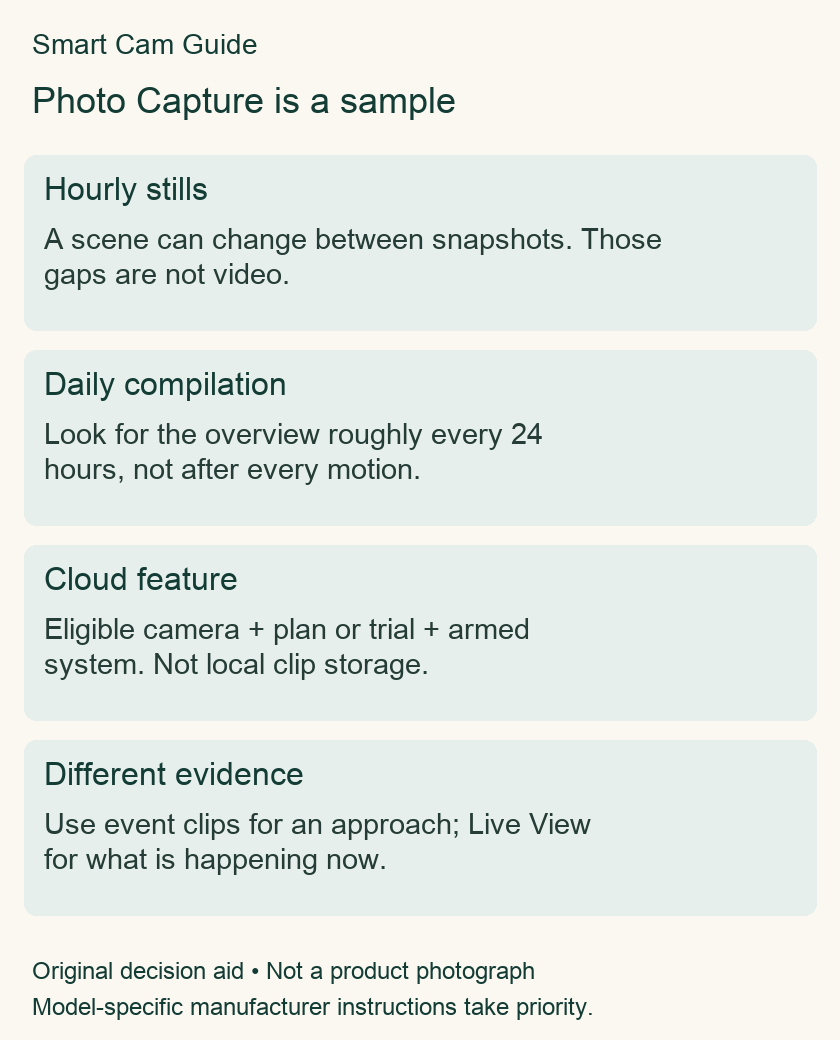
Blink Photo Capture is a summary of periodic still images, not a recording of everything that happened between them. Treat it as background context. If you need to establish how an object moved or who approached a door, look for the relevant motion clip rather than assuming the daily compilation contains the event.
What the feature does
Blink’s current FAQ describes hourly images compiled into a clip around once a day. The system must be armed, Photo Capture enabled, and the camera eligible with an active plan or trial. The result is stored in the cloud; it is not a local-storage recording feature.
The current eligibility list includes Mini 2, Mini 2K+, Outdoor 4, Video Doorbell and Indoor/Outdoor third-generation cameras. Check your precise model. “Mini” in a product title is not enough: the original Mini is not listed as eligible in this FAQ. Do not buy an original Mini Pan-Tilt bundle expecting this feature solely because a newer Mini supports it.
Do not assume the camera’s advertised video resolution also describes these snapshots. Blink lists Photo Capture at 640 × 360. Buying a 2K camera does not make this sampled overview continuous 2K evidence.
Read the gap between images honestly
Imagine a package visible in one still and absent in the next. That establishes a change between sampled views. It does not establish the exact time, the person responsible or the route taken. That reasoning limit remains even when the daily compilation looks like a short video.
| Question | Use the right evidence |
|---|---|
| Did the overall scene change? | Photo Capture can provide sampled context. |
| What happened during an approach? | Find the corresponding event clip if recorded. |
| What is happening now? | Open the camera’s live view. |
| Why is a phone alert missing its image? | Investigate notification previews separately. |
If the daily clip is missing
Check the camera’s model, plan/trial status, armed state and Photo Capture toggle before changing hardware. Then consider whether you are looking for a daily compilation too soon. Record the observation time and the period you expected the clip to cover; “not present yet” and “never created” are different claims.
An offline camera also cannot make its stored images available to the app immediately. Blink describes later upload when connectivity returns. A missing cloud result during an outage does not prove that local storage contains an equivalent copy.
Do not confuse three different images
A thumbnail on an alert, a still sampled for a daily compilation and a frame from an event clip answer different questions. Before comparing settings, identify which one you are looking at. This prevents buying a subscription for the wrong feature or deleting a useful event clip because a daily overview already exists.
Before choosing a camera or plan
Write down the outcome you need first: a daily view of a quiet room, an event record at an entrance, or evidence during an internet outage. Then verify that the exact camera and recording arrangement address that outcome. Photo Capture alone should not be used to satisfy a requirement for continuous footage or offline local evidence.
Our local-storage guide and notification-image guide cover those separate questions. Ring’s similarly named snapshot feature belongs to another platform; its eligibility and behavior should not be copied into a Blink setup.
Purchase check after the diagnosis
If Photo Capture is part of your requirement, verify the exact Mini 2K+ model, plan and current feature eligibility before ordering. This reuses the exact destination already published in our Mini 2K+ storage guide and makes no price or stock claim.
Blink Mini 2K+ — exact model used in the existing storage guide
Related guides
- Blink Notifications Have No Image Preview? Check Model, Storage and Timing
- Ring Snapshot Capture vs Video: What the Timeline Actually Saves
- Does Blink Mini Pan-Tilt Automatically Track Motion?
- Blink Mini 2K+ Local Storage: Sync Module 2, XR or Core?
Research scope
Prepared from manufacturer documentation checked October 20, 2026. This is a document-based guide, not a hands-on product test. Model-specific instructions take priority.