As an Amazon Associate I earn from qualifying purchases. Purchases through our links may earn us a commission at no extra cost to you.
A Ring live feed ending near 10 or 30 minutes can reflect the viewing mode rather than a broken camera. Ring describes basic Live View as up to 10 minutes per session and Extended Live View as up to 30 minutes. Continuous Live View has additional device, subscription and recording-mode requirements.
First decide whether you want to watch a longer live session or review what happened while nobody was watching. Those are separate needs, even when one subscription can support both.
Match the duration to the mode
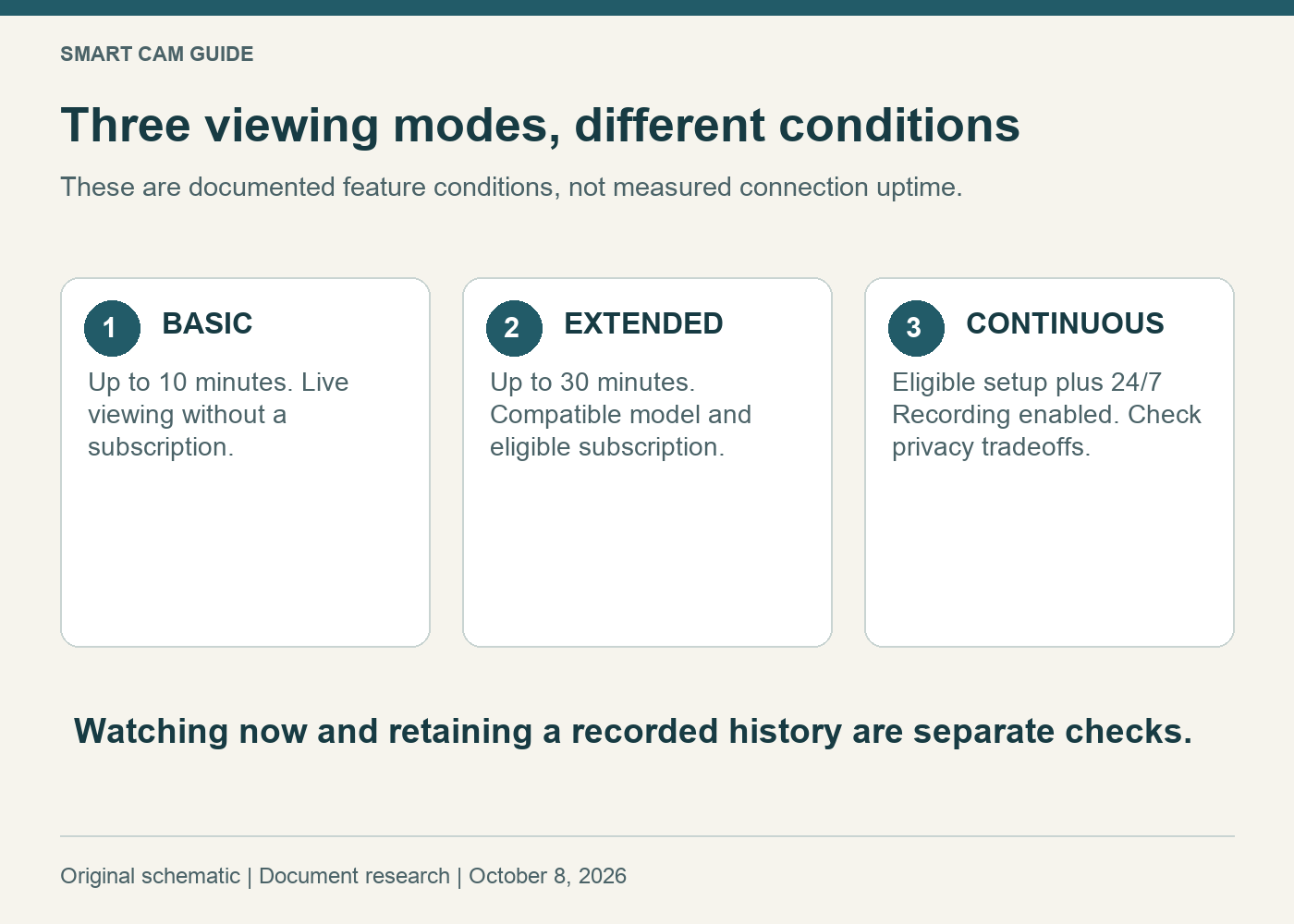
- Basic Live View: available without a subscription, with sessions up to 10 minutes.
- Extended Live View: up to 30 minutes on a compatible device with an eligible subscription; Ring says it is enabled automatically when those conditions are met.
- Continuous Live View: for an eligible setup with 24/7 Recording configured. An eligible plan alone is not the whole setup.
These are documented feature limits and conditions, not uptime measurements. A connection failure can end a session sooner. An advertised longer mode does not guarantee uninterrupted viewing on every phone, network or browser.
If your session ends around ten minutes
Check the exact camera name in the app and the subscription attached to its location. Do not assume that paying for some Ring feature proves that this location has Extended Live View. A similarly named camera or a plan held for another location can make a shopping comparison misleading.
Write down the observed duration and whether it repeats consistently. “Ends at roughly ten minutes” is more useful information than “randomly disconnects,” especially when contacting support. If it stops after widely varying short intervals, investigate connectivity and the current app guidance as well.
If your session ends around thirty minutes
Ring’s current US Continuous Live View instructions say to turn on 24/7 Recording in the camera’s recording-mode settings first. Without that setup, the device defaults to Extended Live View for up to 30 minutes. Verify current eligibility for your actual model and location before changing recording behavior.
There is also a privacy tradeoff: Ring says Continuous Live View is incompatible with video end-to-end encryption. If you deliberately use that protection, decide which feature matters before changing it. Our Ring encryption guide explains the related limitations.
Do not confuse watching with keeping a history
Imagine you watch a work area for 25 minutes and then close the app. The fact that the live session lasted that long does not, by itself, answer whether video from the next hour will be available later. Check recording mode, eligible storage and retention separately.
Conversely, a saved timeline and the duration of an open phone session are different checks. For a battery Outdoor Cam, start with the power and 24/7-recording guide before assuming a solar accessory enables every continuous feature.
A compatible indoor example
Ring lists Indoor Cam (2nd Gen) among the devices compatible with Extended and Continuous Live View. The shopping link selects one white 1080p plug-in camera. It does not include a promise that the required ongoing subscription or recording mode is already active.
Check Ring Indoor Cam — one white 1080p camera
Consider it for an indoor location with suitable power and connectivity when its viewing features match your chosen plan. If your existing eligible camera already does the job, check its setup before buying a replacement. The newer Indoor Cam 2K is a different product selection.
A useful support note
Keep a short record of camera model, location, plan, recording mode, encryption setting, phone or browser, and approximate session length. Change one relevant setting at a time and retest in a non-sensitive scene with the household’s agreement. Do not disable a chosen privacy feature merely to see whether a timer changes.
Research scope: Ring’s US Live View, Extended Live View and Continuous Live View instructions, checked October 8, 2026. We have not timed a live feed or changed a customer’s account.