As an Amazon Associate I earn from qualifying purchases. Purchases through our links may earn us a commission at no extra cost to you.
Start with Floodlight Cam Wired Plus for a straightforward illuminated entrance with good Wi-Fi. Consider Wired Pro when radar-based motion boundaries, 2K video or a choice of Wi-Fi bands solve a specific problem at your mounting location. The Pro’s extra features do not make it see around a parked vehicle or a wall.
Model check: this article compares the white, single-camera 1080p Floodlight Cam Wired Plus (Amazon B08F6GPQQ7) with the 2K Floodlight Cam Wired Pro (B0CG6VFFVL). Ring now sells other similarly named floodlights, and old product URLs can redirect to newer models. Do not apply this table to a newer 2K Plus or 4K Pro listing.
Key differences · Driveway example · Total cost · Decision checklist
What actually changes between these two listings?
| Decision factor | 1080p Wired Plus | 2K Wired Pro |
|---|---|---|
| Published video resolution | 1080p HD | 2K with HDR |
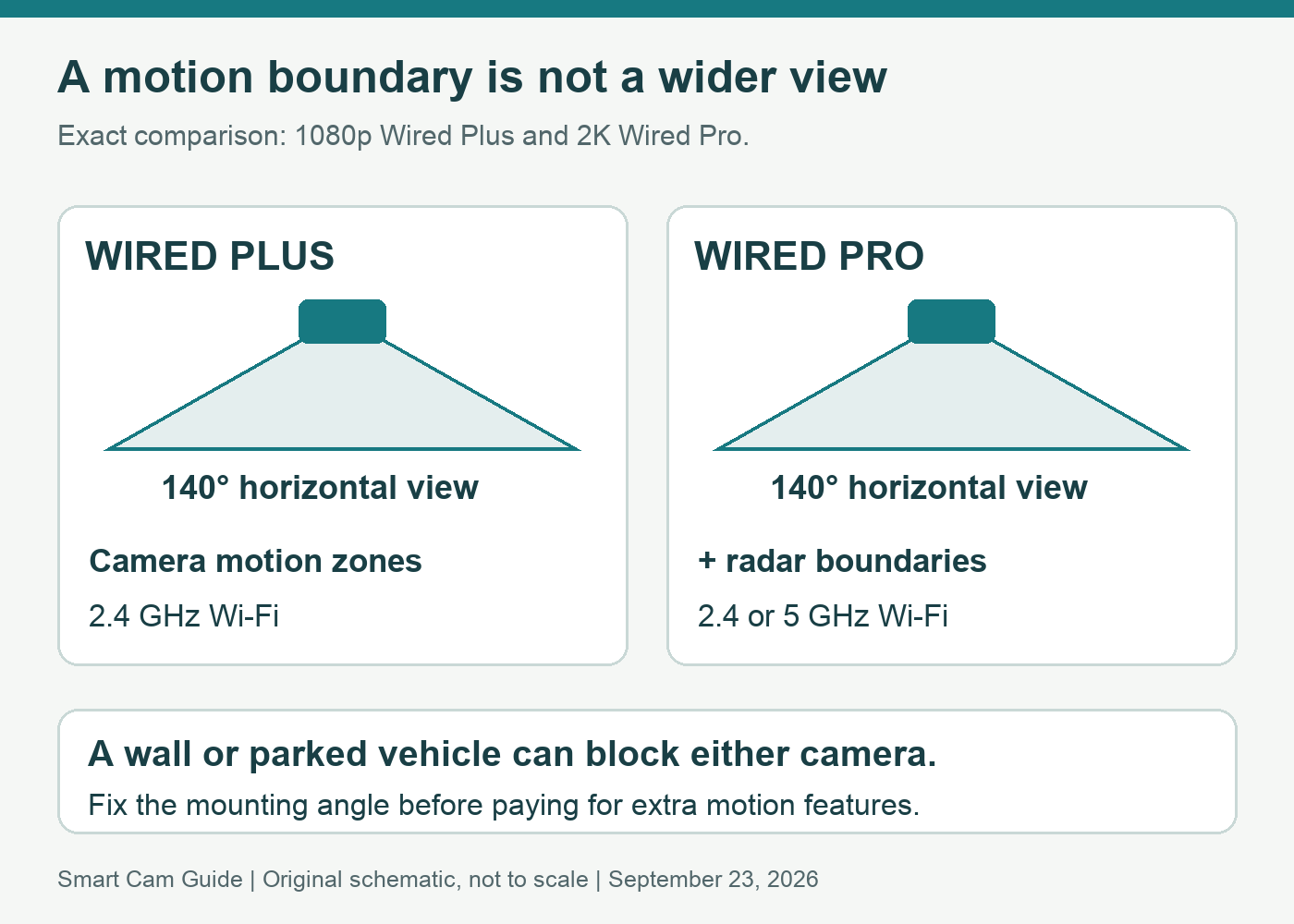
| Horizontal × vertical camera view | 140° × 80° | 140° × 80° |
| Motion control | Advanced Motion Detection; camera motion zones | 3D Motion Detection; radar-based boundaries and Bird’s Eye View |
| Wi-Fi choices | 2.4 GHz | 2.4 GHz or 5 GHz |
| Audio | Two-Way Talk | Two-Way Talk with Audio+ |
| Power for compared configuration | Hardwired AC | Hardwired AC |
Notice the shared camera viewing angle. Pro is not a wider-angle replacement in this comparison. Also, 2K resolution is a specification rather than a promise to read a distant license plate. Distance, angle, movement, illumination and the connection still affect useful detail.
A driveway beside a sidewalk: where Pro may help
Suppose you want to know when someone enters the driveway but do not want every sidewalk passer-by to create an alert. First consider whether a camera motion zone can separate those areas in the image. If the boundary is straightforward, the Plus may already give you the controls you need.
Pro’s radar measures movement in distance and angle and supports a mapped motion path. That adds another way to define the area that matters. It is a reason to investigate Pro when the ordinary image-based boundary is awkward; it is not evidence that every unwanted notification will disappear. We have not compared false-alert rates on these cameras.
A car hiding the lower part of the driveway is a different problem. Spending more on motion features cannot restore a view physically blocked by the car. Change the mounting position or plan a second view before paying for an upgrade that leaves the blind spot in place.
A simple entrance: where Plus can be enough
For a single approach path near an existing floodlight position, the practical requirements may be modest: see the visitor, speak through the app and illuminate the approach. If those needs are met at the planned angle and the actual Plus offer is lower, its simpler feature set can be good value.
Keep lighting and camera detection separate during setup. A light can illuminate a wider area than the useful camera view, and changing a lighting control does not automatically redraw the recording boundary. Our Wired Plus light-zone guide covers that setup distinction.
Check 1080p Wired Plus on Amazon
Choose the Wi-Fi band at the mounting location
Pro gives you another band to try; it does not guarantee a better link through an exterior wall. Check signal and live video where the camera will actually sit, not while it is beside the router indoors. If neither configuration works reliably there, include a network improvement in the project plan.
For either model, write down what you expect during a connection or power failure. These hardwired configurations need their electrical supply, and remote viewing depends on connectivity. They are not a substitute for a cellular system at a site without a home internet connection.
Add installation and storage to the comparison
A low device price can be misleading when there is no suitable electrical mounting point. Have a qualified installer check the existing box, power and permitted wall or eave placement. Follow the exact model instructions; this buying guide is not a wiring tutorial. Neither a dimmer nor a timer should be assumed suitable for the camera circuit.
Live viewing and being able to replay yesterday’s incident are separate requirements. Budget for the compatible Ring subscription if you need saved cloud video, and check current US plan features for the exact device. Do not infer continuous recording merely from “wired,” or assume paying for Pro includes a storage plan. Plan names, availability and included features can change.
Compare two complete quotes: device, installation, any network work and the recording plan you need. If you already own a working Plus, first identify an actual limitation. Replacing a camera simply because another has a higher resolution number may leave your original placement problem unresolved.
Our buying checklist
- Choose Plus: its camera zone covers the entrance, the connection is reliable, and the total price is meaningfully lower.
- Consider Pro: radar boundaries, its current 2K video specification or dual-band connection options address a defined need.
- Delay either purchase: the view is obstructed, the power location is unsuitable or the recording-plan requirement is unclear.
After installation, check a person approaching from each relevant direction in daylight and at night. Review the saved clip as well as Live View. That is a suggested acceptance check for your own setup, not a test we have performed.
View the exact Wired Plus offer
View the exact Wired Pro offer
Research basis: Ring Wired Plus support specification, Wired Pro US specification and installation guidance; both exact US Amazon configurations. No measured detection, image-quality or audio comparison was performed. Checked September 23, 2026. This is document-based buying guidance, not a hands-on test. Product packages and offers can change.