As an Amazon Associate I earn from qualifying purchases. Purchases through our links may earn us a commission at no extra cost to you.
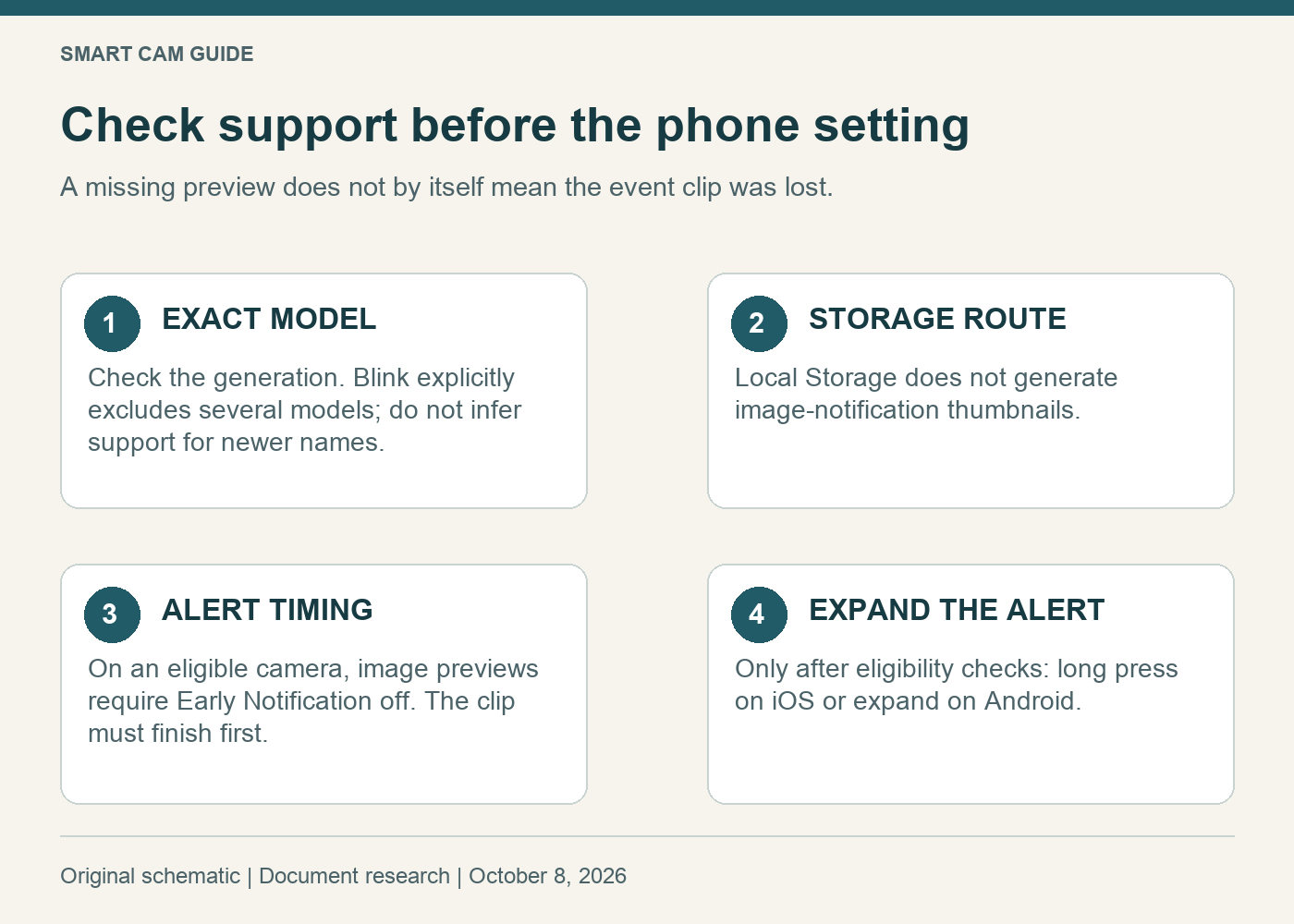
A Blink motion alert without a picture is not automatically a phone problem. Image previews depend on the camera model, the recording route and Early Notification. If the model or storage arrangement does not support them, expanding the alert or reinstalling the app will not create a supported preview.
Check those conditions before subscribing, replacing a camera or changing several notification settings at once.
Start with the exact camera model
Blink’s current Image Notifications guide explicitly excludes Mini 2, Outdoor 4, Wired Floodlight and Video Doorbell. Do not treat “Mini” and “Mini 2” as interchangeable names. The newer Mini 2K+ is not resolved by that guide’s exclusion list, so we are not promising preview support for it.
Find the model in your app or order record. A shared product page may show several generations, bundles or colors. A statement about one generation should not become a feature guarantee for another.
Local storage changes the answer
Blink says image notifications are not displayed for clips saved through Local Storage because the required thumbnails are not generated. A local clip can therefore exist even though its notification has no image. That is different from a failure to save the clip.
Cloud recording and a backup of cloud clips are also different from a local-only recording workflow. For a new Mini purchase, cloud storage generally requires the applicable subscription or trial. Check both model support and the actual storage route before paying for a plan solely to obtain a picture in an alert.
Earlier alerts and picture previews have a tradeoff
Image Notifications require Early Notification to be disabled. Blink says disabling Early Notification delays the alert until the clip is recorded and available. Original Mini supports the setting; some newer models keep it on permanently.
For an eligible setup, decide what you need most: being alerted sooner or seeing a preview once a clip is ready. Neither choice changes the camera’s field of view or recreates motion that was never captured. Our retrigger-time guide covers the separate gap between motion clips.
Blink’s current Early Notification instructions say that opening an alert during recording takes you to a clip list showing recording in progress, followed by a ready-to-view message. Do not assume an older app tutorial describes the current behavior exactly.
Only then check how the phone expands the alert
For a supported setup, Blink describes a long press on iOS and expansion with the notification arrow on Android. Test with one newly recorded, non-sensitive event. First confirm that its clip exists, then compare the alert before and after expansion.
Record the model, app version, storage route, Early Notification setting and whether the clip was already complete. This short note makes a support request more useful than a screenshot of an unexplained text alert.
Where the Mini Pan-Tilt package fits
The black Mini Pan-Tilt package linked below pairs the original Blink Mini with its motorized mount. Blink’s mount documentation identifies first-generation Mini compatibility. This is a way to look around a room manually; the mount itself does not add image-notification support, cloud storage or automatic tracking.
Check Blink Mini Pan-Tilt — black camera package
Consider the bundle only if you also need manual pan and tilt and accept the camera’s recording arrangement. Do not buy a motorized mount simply to fix a missing preview. Read the manual-pan versus automatic-tracking explanation before treating rotation as another alert feature.
When to stop changing settings
If the camera is explicitly excluded or the clips use Local Storage, a text-only notification can be the documented outcome. Keep a working recording setup unless a different feature is worth the hardware or ongoing cost. If all documented conditions appear to be met and a fresh alert still lacks its image, take the recorded setup details to Blink support.
Research scope: Blink’s Image Notifications, Early Notification, storage and Mini Pan-Tilt documentation, checked October 8, 2026. No alert latency, phone behavior or camera was tested.